AI integration & automation · Northern Virginia & the DMV
AI that works on your business, safely.
Custom assistants, document automation, and tool connections—not generic chatbots. Built on your own information, rolled out with permissions, audit logs, and spend caps for small teams across the DMV.
High-value, low-drama builds that start with one workflow and a clear win—then grow as your team trusts the results.
Customer FAQ assistant from your docs
RAG
Website widget
Human handoff
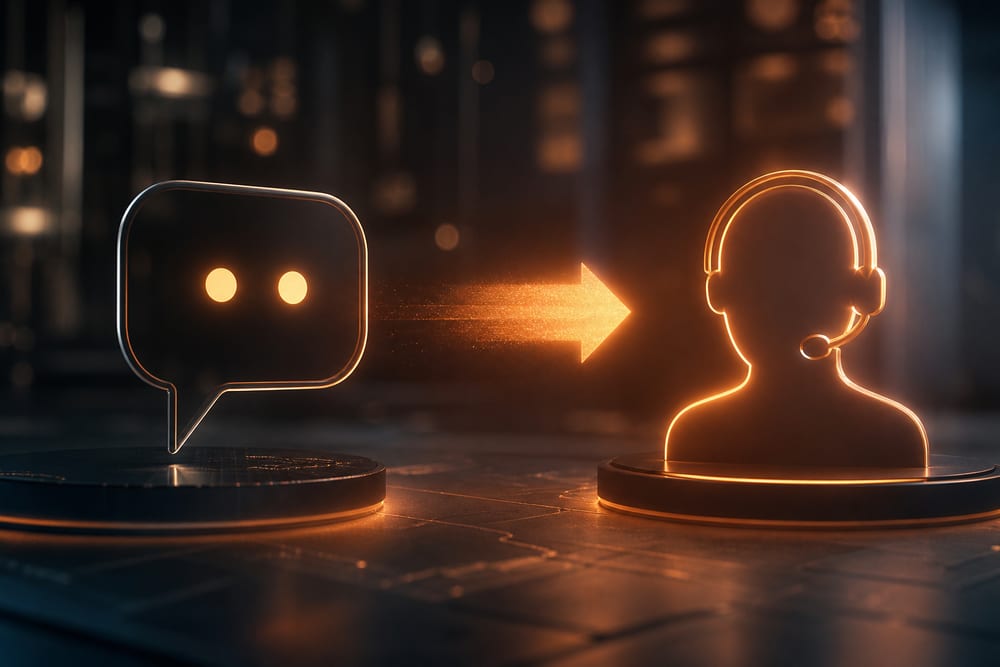
An assistant that answers customer questions from your real documents—policies, manuals, pricing—right on your site or help desk, and hands off to a person the moment it's unsure.
Invoice & intake automation
Document AI
Data entry
Approvals
Invoices, forms, and applications read, classified, and entered automatically—then routed for a quick human approval. Less retyping, fewer errors, and a clear audit trail.
Internal "ask our handbook" bot
Knowledge base
Tool connections
Citations
Staff ask in plain English and get the right answer from your handbook, SOPs, and files—with citations—plus connections to CRM, scheduling, and email so it can actually do things, not just talk.
The AI building blocks we put to work.
The capabilities we combine for DMV small-business AI—chosen to fit your data, your tools, and the controls you need to sleep at night.
You don't need to know how any of it works. Point to something slow, repetitive, or easy to get wrong, and we'll put AI on it—grounded in your own information, connected to the tools you already use, and set up safely with permissions, logging, and a spending limit. We start with one high-value workflow, prove it out, then expand.
Assistants
OpenAI & custom assistants
OpenAI
Azure OpenAI
On-brand
Assistants shaped to your business—your wording, your rules, your tone—built on leading models (OpenAI, Azure OpenAI, and others) and embedded where your team and customers already work.
Grounding
RAG over your files
Your documents
Citations
Always current
Retrieval-augmented generation grounds answers in your own files—so responses are accurate, cited, and current, instead of made up. Update a doc and the assistant keeps up.
Automation
Workflow automation
Triggers
Approvals
No more copy-paste
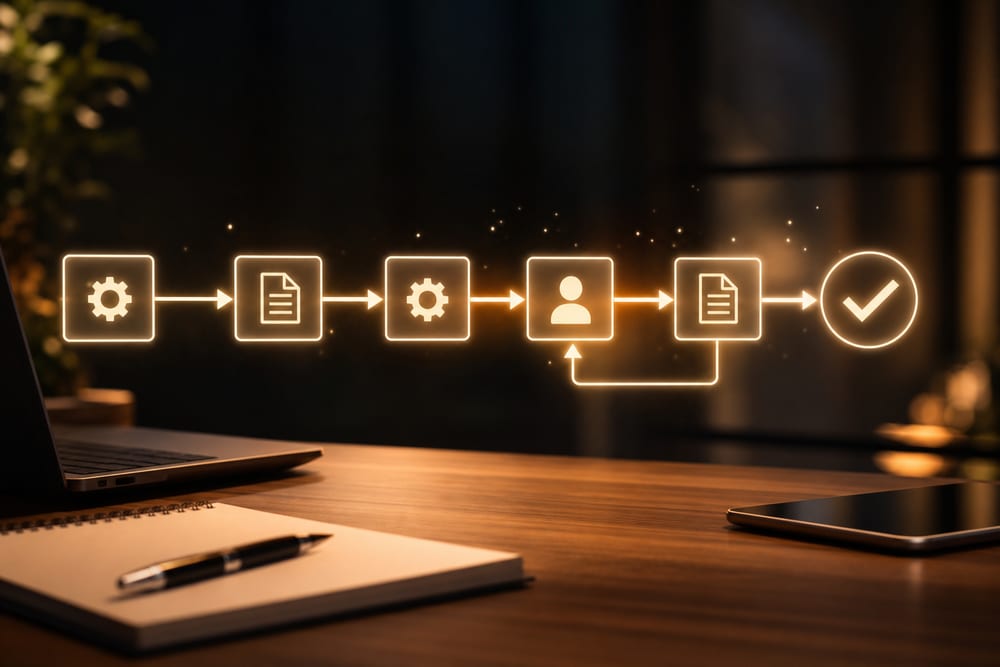
Repetitive steps—data entry, routing, follow-ups, reminders—handled automatically, with human approval where it counts. We map the process first, then automate the boring parts.
Integrations
API integrations
CRM
Scheduling
Email
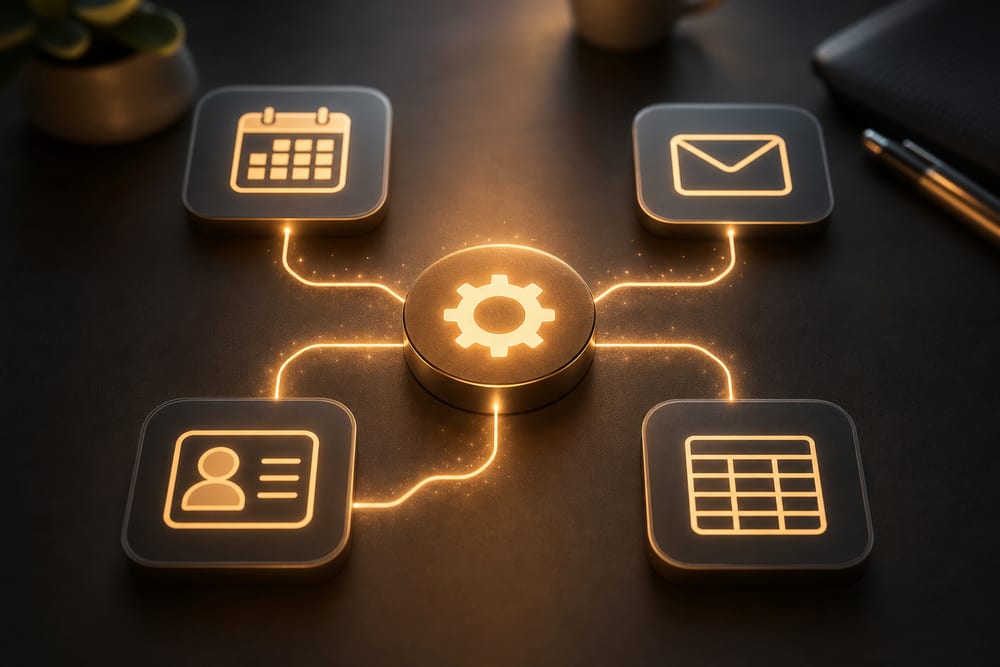
We connect the tools you already pay for—CRM, scheduling, email, spreadsheets, accounting—so information flows automatically and nothing slips through the cracks.
Governance
Permissions & audit logs
Access control
Logging
Spend caps
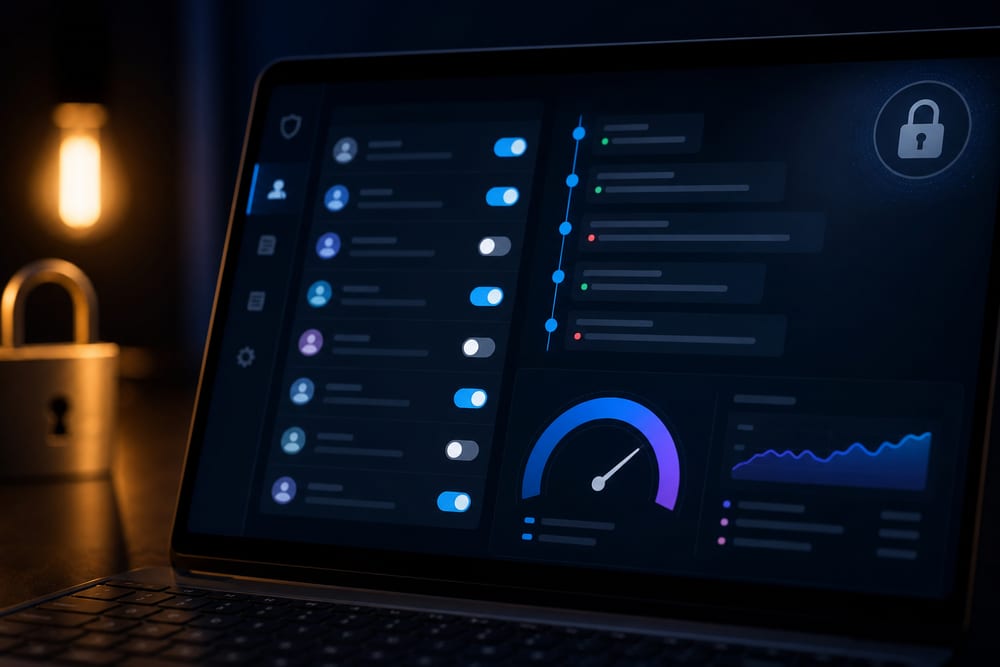
Role-based access, full audit logs, and spend caps from day one—so the assistant only sees what it should, you can see what it did, and a new tool never becomes a runaway bill.
Safety
Human handoff when unsure
Escalation
Guardrails
No guessing
We design for honesty: when the AI isn't confident, it says so and routes to a person—no confident-sounding wrong answers in front of your customers or staff.
AI integration & automation across Northern Virginia, Washington DC & Maryland
We design, build, and safely roll out AI assistants and automation for small businesses throughout the greater DMV. Our office is at 13873 Park Center Rd, Suite 184, Herndon, VA 20171. From there we serve the greater DMV—Northern Virginia (Loudoun, Fairfax, Arlington, Prince William, and the rest of NoVA), Washington DC, and Maryland (Montgomery County, Prince George’s County, and up to Baltimore), plus Northern Virginia south to Fredericksburg. We are a Northern Virginia shop, not a statewide Virginia vendor covering Richmond or the rural parts of the state. Remote-first IT support everywhere we cover; local engineers for onsite surveys, installs, and projects.
Find the win, build it, roll it out safely.
01
Find the win
We look for one workflow that's slow, repetitive, or error-prone—where AI saves real time without betting the business on it.
02
Ground & build
We connect your documents and tools, build the assistant or automation, and tune it on your real questions and edge cases.
03
Guard & test
Permissions, audit logs, and spend caps go on first. We test with your team, set the handoff rules, and confirm answers are right and cited.
04
Roll out & expand
We launch with training and a feedback loop, watch how it's used, and expand to the next workflow once the first one earns its keep.
Good to know.
What kind of AI projects do you build for small businesses in the DMV?
Practical, high-value ones: customer and staff assistants built on your own documents, invoice and intake automation, internal knowledge bots, and tool integrations across CRM, scheduling, and email. We focus on workflows that save real time for small teams across Northern Virginia and the DMV—not science projects.
Will the AI make things up or give wrong answers?
We design specifically against that. Assistants are grounded in your own files using retrieval (RAG) so answers are cited and accurate, and we set them to say "I'm not sure" and hand off to a human when confidence is low—rather than guessing in front of a customer.
Is our data safe, and who can see it?
Yes—safety is built in, not bolted on. We use business-grade AI services, scope access with role-based permissions, keep audit logs of what the assistant did, and set spend caps. Your data is used to answer your questions, not to train public models, and we document exactly what connects to what.
Do we need to understand AI to work with you?
No. You point to a problem—something slow, repetitive, or easy to get wrong—and we handle the rest in plain English: what it'll do, what it'll cost, and how we'll keep it safe. You stay in control of approvals and guardrails.
Which AI models and tools do you use?
We're not locked to one vendor. We commonly build on OpenAI and Azure OpenAI, add retrieval over your files, and integrate with the apps you already use. We pick the model and approach that fit your data, budget, and privacy needs.
How do you charge, and how do you start?
We start small: one workflow, a clear scope, and a fixed price to prove the value—then expand once it's working. Many clients pair AI work with our managed IT or fractional CTO guidance so the rollout fits the bigger picture.
Do you also build websites, apps, and online stores?
Yes—that's our website and app development practice on Vercel and Shopify/WooCommerce. This page focuses on custom AI assistants, automation, and integrations; see Websites & apps for marketing sites, web apps, and stores.
Tell us about your project.
Share a few details about your space and what you're trying to accomplish—we'll follow up to schedule a walkthrough or a call.