We know the applications
The practice management system, the imaging suite, and the bridge between them. We troubleshoot at that level instead of rebooting and hoping.
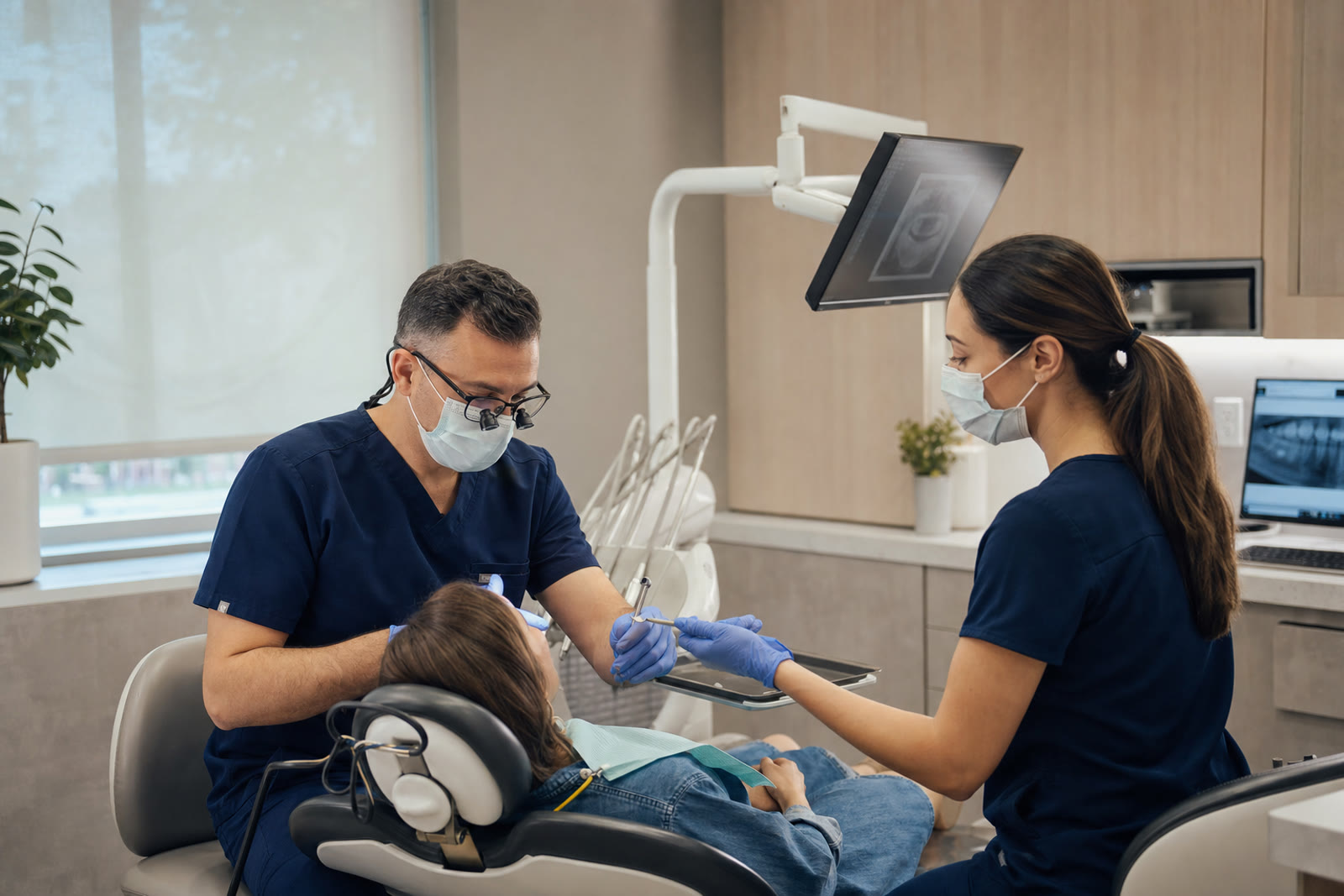
Dental IT support · Northern Virginia & the DMV
You should not have to explain what a sensor bridge is, or why the whole practice stops when the server hiccups at 8am. We support the software dentistry actually runs on, and we answer the phone before the first patient is seated.
Why practices call us
They are software problems that happen to run on computers—an imaging bridge that stopped launching, an antivirus update that locked the practice database, a new operatory PC nobody configured the same way as the others.
The practice management system, the imaging suite, and the bridge between them. We troubleshoot at that level instead of rebooting and hoping.
A dental practice has no slack in the schedule. When the front desk cannot check someone in, that is an emergency, and we treat it as one.
When the fix belongs to your software or imaging vendor, we open the ticket and sit on the call. Your office manager should not be the middleman.
Encryption, access by role, separated Wi‑Fi, and backups we restore on purpose—the technical safeguards your HIPAA policies assume are in place.
The software we support
This is not a list we copied from a brochure. These are the systems we log into, patch around, migrate, and argue with vendors about on behalf of practices across the DMV.
Practice management & charting
Henry Schein One Dentrix
Server health, database maintenance, workstation installs, version upgrades, and the antivirus exclusions that keep the database from locking mid-day.
Henry Schein One Dentrix Ascend
Cloud-hosted, so the work moves to browsers, printing, scanners, and a network that stays fast enough for a full schedule.
Patterson Dental Eaglesoft
Server and workstation configuration, SQL maintenance, imaging integration, and clean upgrades that do not surprise you on a Monday.
Open Dental
Database backups that are actually verifiable, replication for multi-site practices, and workstation deployment done consistently.
Curve Dental Curve Hero & SuperHero
Cloud practice management, which shifts the burden onto internet reliability, browser policy, and local peripherals.
Planet DDS Denticon
Multi-location cloud environments where each site needs consistent hardware and a link back to the group.
Imaging, sensors & scanners
Dentsply Sirona SIDEXIS 4 & Schick sensors
Bridge configuration into your practice software, driver and USB issues, and the shared image folder permissions that break after a change.
Dentsply Sirona CEREC & Primescan
Dedicated workstation specs, network paths to the mill, and keeping the machine off the general update schedule that would take it down mid-case.
Carestream Dental CS Imaging
Pano and intraoral acquisition, database moves, and integration with whichever practice system you chart in.
Planmeca Romexis
Server and client setup, storage sizing for 3D volumes, and backup scope that actually includes the image database.
DEXIS DTX Studio Clinic
Workstation deployment, image storage, and bridging into the chart so clinicians are not exporting files by hand.
Vatech EzDent-i
Acquisition workstation configuration and consistent operatory setup across every chair.
Front office, comms & revenue
Weave
Phones, texting, and reminders that need a network with call quality actually planned for—not squeezed onto the guest Wi‑Fi.
RevenueWell
Patient messaging and forms integrated with the chart, kept working after practice-software upgrades.
Solutionreach
Recall and reminder workflows, plus the sync service that quietly stops after a server reboot if nobody is watching.
Dental Intelligence
Analytics that read from your practice database—so the connector and the permissions behind it need to keep working.
Microsoft Microsoft 365
Email, multi-factor authentication, encrypted sharing, and mailbox backup that HIPAA-minded practices need and rarely have.
We are your IT partner, not a reseller of these products. When a defect belongs to the software vendor we escalate it to them and stay on the ticket with you—but licensing and the application itself remain your relationship with the publisher.
What day-to-day looks like
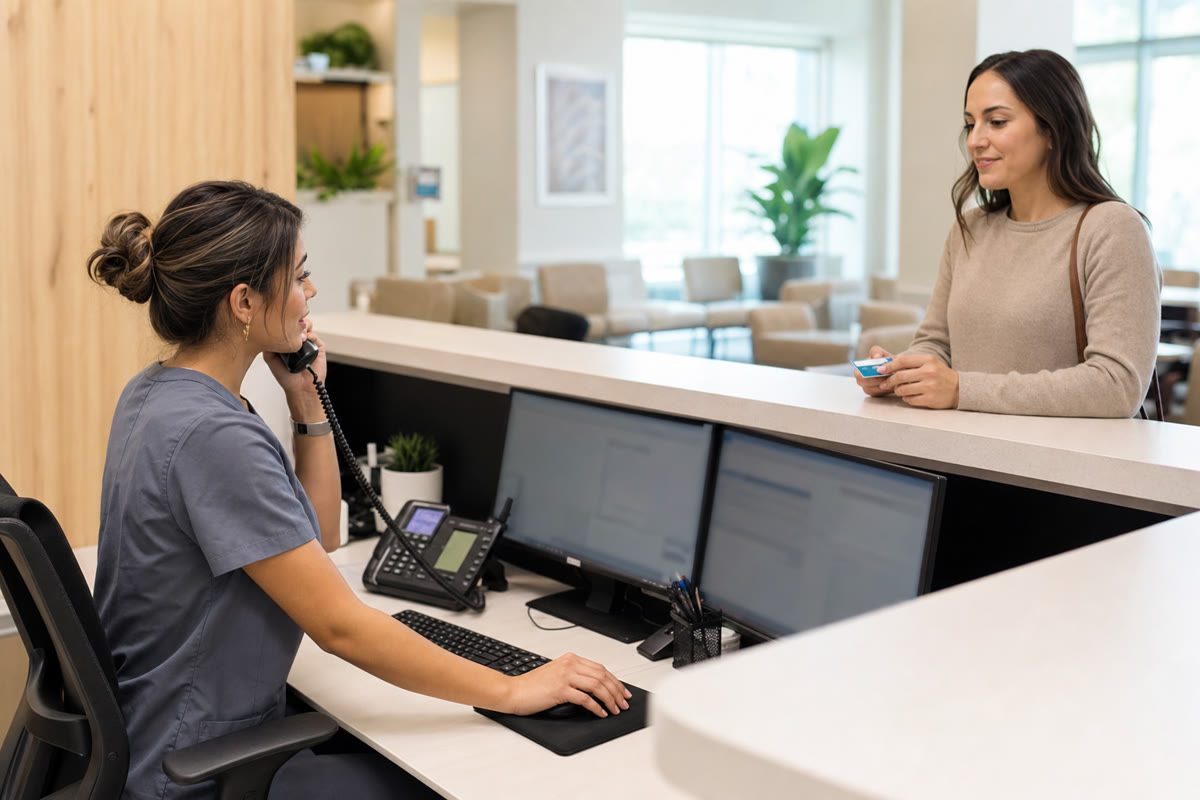
Workstations, printers, card terminals, and the chart all working before the first patient. We monitor overnight so problems surface to us, not to your front desk.
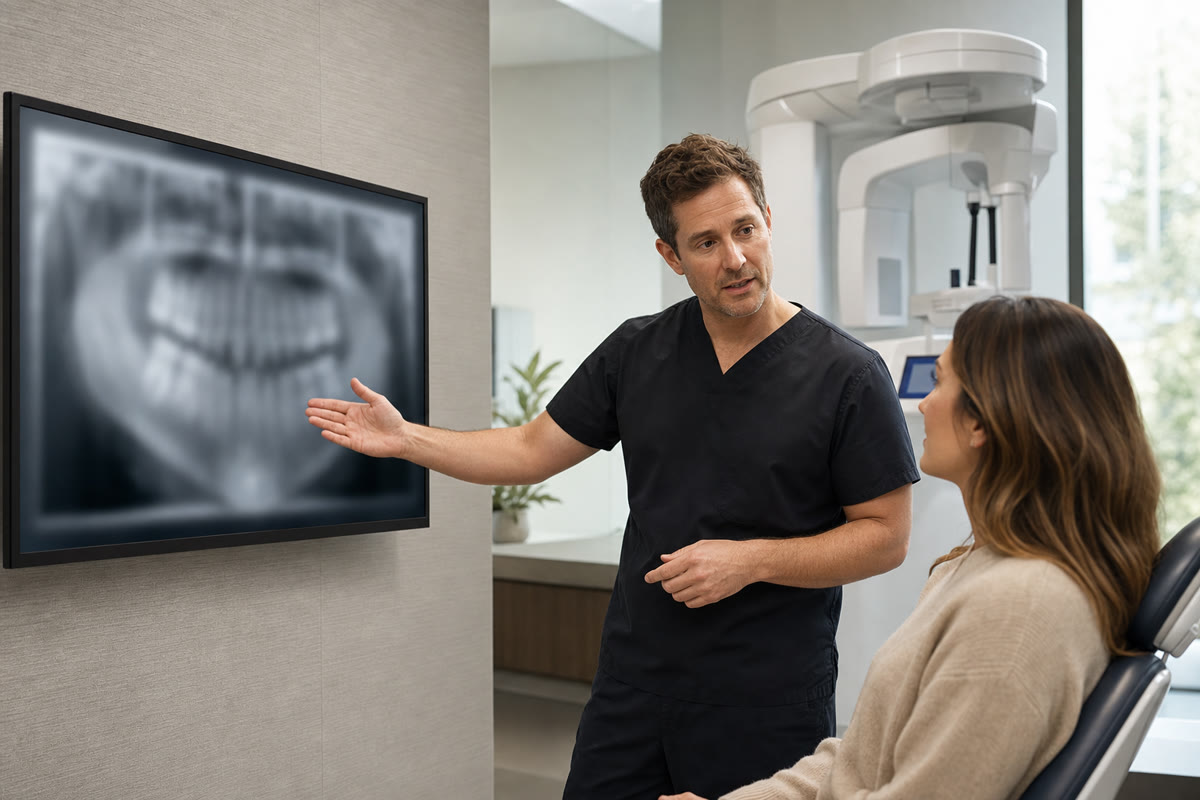
Sensors, pano units, and the bridge into your chart configured identically at every chair—so a hygienist moving rooms does not lose ten minutes to a driver.
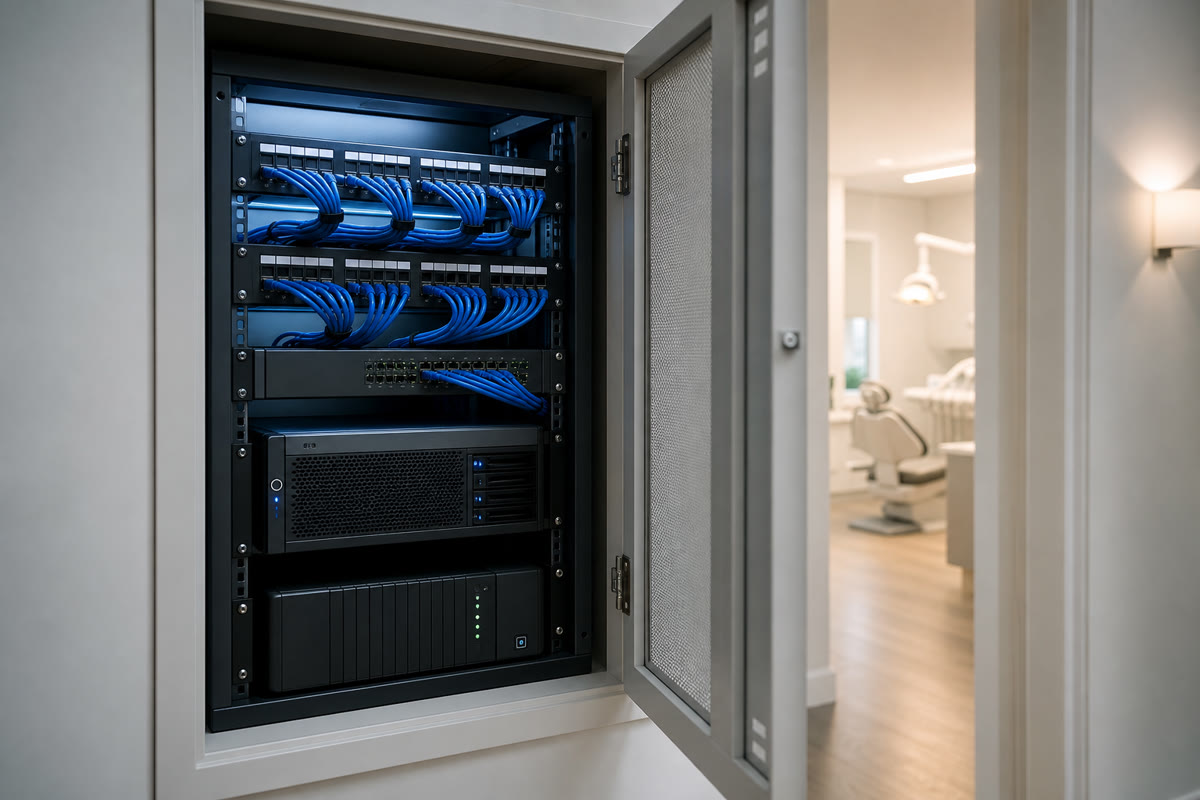
A real rack, labeled cabling, battery backup, and separated networks for staff, patients, and equipment. Not a switch balanced on a box of gloves.
The rules you are held to
We implement the technical half—the safeguards your written policies already promise are in place—and we document them so you are not assembling evidence during an inquiry.
45 CFR §164.312
Unique logins per person, automatic screen lock, encryption on every device that touches patient information, and audit logs that survive long enough to answer a question.
45 CFR §164.308
A documented look at where patient data lives and what could reach it. This is the item most commonly missing when a practice is asked to show its work.
Breach Notification Rule
Logging and alerting that let you establish what was and was not accessed. Without it, the safe assumption in a breach is the worst one.
Business associate
Where our services touch protected health information we sign a business associate agreement, and we review whether your other vendors have one in place.
Va. Code §32.1-127.1:05
Virginia layers its own breach notification obligations on top of federal ones. Good logging is what makes either of them answerable.
Tested restores
A practice database backup that has never been restored is not a backup. We restore on a schedule and send you the result in writing.
We are an IT partner, not a law firm or a compliance auditor. We implement and document technical safeguards; your compliance counsel or consultant defines your legal obligations and owns your written policies.
The honest comparison
On one side, the generalist who is cheap until something dental-specific breaks. On the other, the national dental IT vendor whose pricing assumes you are a twelve-location group.
Monthly pricing is based on the devices we manage — operatory workstations, the front desk, imaging machines, the firewall — with server and network catch-up work quoted separately. The rates are published on our calculator, so there is no minimum built for group practices and no number you have to sit through a meeting to hear.
Projects, priced separately
Support is the monthly relationship. These are the fixed-scope projects we most often quote alongside it.

A copy nobody can delete, a recovery time agreed in advance, and restore drills we run and report on.
See the full solution
Reception, direct lines, and after-hours routing designed before a handset is ordered—with every number you already have kept.
See the full solution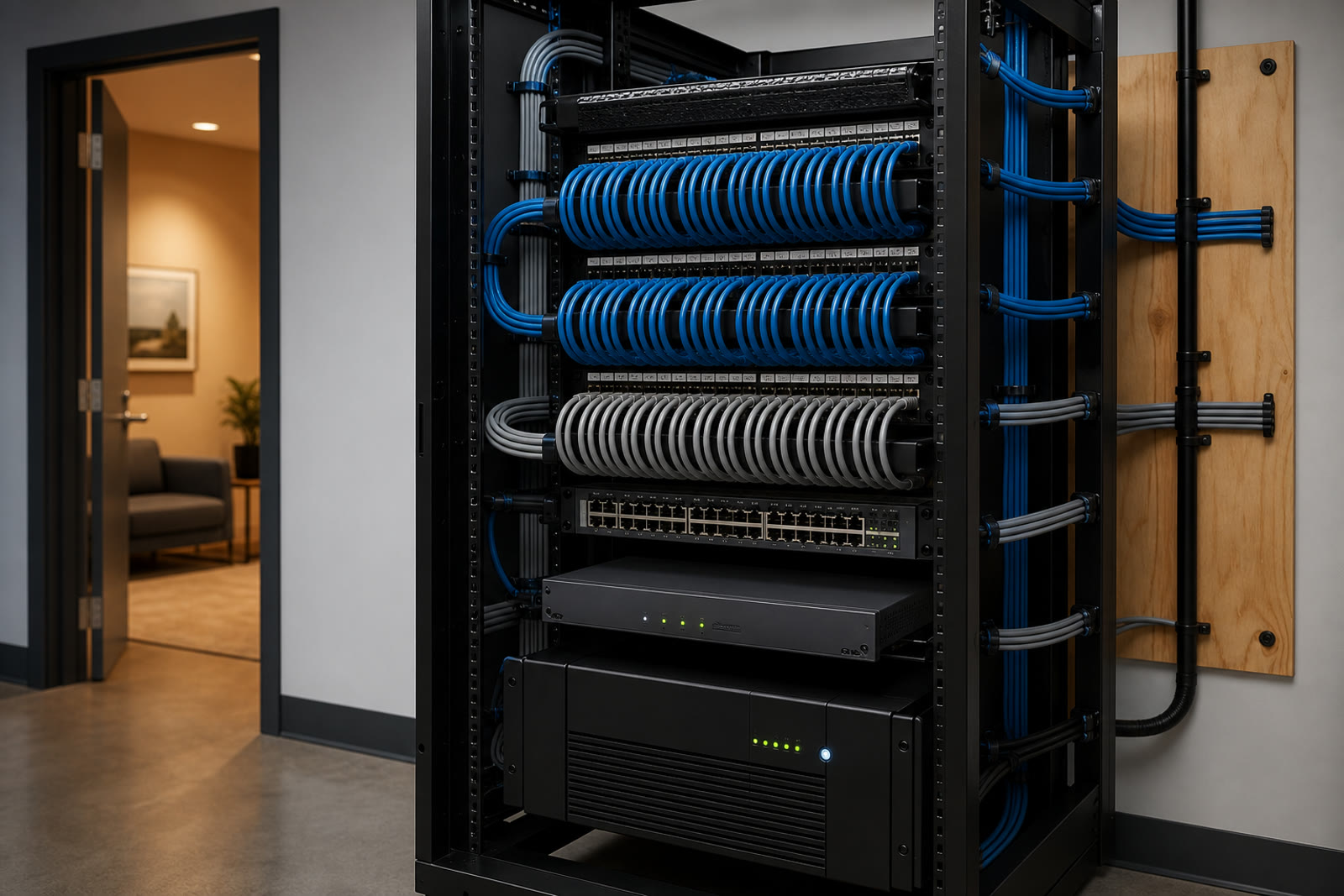
The back room rebuilt properly—labeled at both ends, battery-backed, and handed over with a diagram you keep.
See the full solution
How switching goes
Every operatory, the server, the back room, and the software versions you are on. We also ask what breaks most often, because that is usually the real project.
A flat monthly figure for support, plus a short list of anything that genuinely needs fixing first, priced separately so you can decide the order.
Documentation, monitoring, and access transferred over a week, mostly outside patient hours. Your previous provider does not need to cooperate for this to go smoothly.
Patching after hours, restores tested, imaging workstations left alone during clinic time, and a real person on the phone when something is wrong.
Both, up to the line where a defect belongs to the publisher. We handle the server, the database maintenance, the workstation installs, the antivirus exclusions, the upgrades, and the imaging bridge configuration. When the problem is a genuine bug in the application, we open the vendor ticket and stay on the call with you rather than handing you a case number.
Yes, and it is one of the most common calls we get. It is usually a path, permission, driver, or version-mismatch problem between the imaging suite and the practice software after one of the two updated. We would rather prevent it by controlling when those updates land.
Yes, and the work changes shape rather than disappearing. With cloud practice management the risk moves to your internet circuit, your browsers, your local peripherals, and your imaging, which is usually still on site. We make sure the practice keeps running when the connection wobbles.
The healthcare IT page covers medical, therapy, and multi-specialty clinics broadly. This page is for dental practices specifically, because the software, the imaging hardware, and the way a dental day is scheduled are different enough to deserve their own answer.
It is a flat monthly figure based on the devices we manage, not your headcount — which suits a practice where several hygienists share the same operatory workstation. The base plan is $429/month covering your firewall plus the first ten devices, with published rates above that and servers priced separately. Practices catching up on a server, backup, or network usually have a separate one-time project quoted alongside it, so you can see both numbers before deciding. Per-user billing is available if you prefer it, but it is not our default.
Yes. Where our services touch protected health information we sign a business associate agreement, and as part of onboarding we check whether your other vendors have one in place too.
Regularly. Operatory cabling, imaging network, server or cloud decision, phones, Wi‑Fi, and workstations, sequenced with the contractor so everything is tested before the first patient is booked.
A practice that cannot chart is a practice that cannot work, so a full stoppage is treated as an emergency and gets someone immediately. Coverage starts before your first appointment rather than at nine.
Yes, and their cooperation is not required. We document the environment ourselves, rebuild the pieces we cannot inherit, and do the disruptive parts outside patient hours.
We support solo practices, group practices, and specialty offices—general dentistry, orthodontics, endodontics, oral surgery, and pediatric dental—throughout the greater DMV. Our office is at 13873 Park Center Rd, Suite 184, Herndon, VA 20171. From there we serve the greater DMV—Northern Virginia (Loudoun, Fairfax, Arlington, Prince William, and the rest of NoVA), Washington DC, and Maryland (Montgomery County, Prince George’s County, and up to Baltimore), plus Northern Virginia south to Fredericksburg. We are a Northern Virginia shop, not a statewide Virginia vendor covering Richmond or the rural parts of the state. Remote-first IT support everywhere we cover; local engineers for onsite surveys, installs, and projects.
Medical, therapy, and multi-specialty clinics—the same HIPAA-aligned approach for practices that are not dental.
View Healthcare ITThe part practices most often discover is missing: a copy of the practice database an attacker cannot delete.
View Ransomware-proof backupOpening or relocating a practice? Operatory cabling, imaging network, and phones scoped as one job.
View New office setupShare a few details about your space and what you're trying to accomplish—we'll follow up to schedule a walkthrough or a call.