
Email & tenant migration
- Cutover planning
- DNS & mail flow
- Zero-downtime goal
Move off Google, GoDaddy, on-prem Exchange, or an old MSP tenant—mailboxes, calendars, and contacts migrated with a clear cutover plan and rollback path.

Cloud & productivity · Northern Virginia & the DMV
Outlook, Teams, SharePoint, and OneDrive—licensed right, secured with MFA, and supported by a local team that also runs your network, devices, and backups across NoVA and the DMV.
From Arlington migrations to Fairfax onboarding and Teams rollouts in DC—real work for small teams that need email and collaboration without a full-time admin.
Move off Google, GoDaddy, on-prem Exchange, or an old MSP tenant—mailboxes, calendars, and contacts migrated with a clear cutover plan and rollback path.

Day-one ready: account created, MFA enrolled, Outlook and Teams configured, and the laptop Intune-enrolled with the right apps and policies.

Channels, guest access, meeting policies, and SharePoint team sites wired so hybrid staff in Northern Virginia and DC can collaborate without shadow IT.
The Microsoft cloud stack we configure, secure, and support for DMV small businesses.
We handle tenant setup, migrations, security defaults, and the day-to-day fixes—new hires, shared mailboxes, Teams channels, SharePoint permissions, and Intune policies—so Microsoft 365 stays boring in the best way.
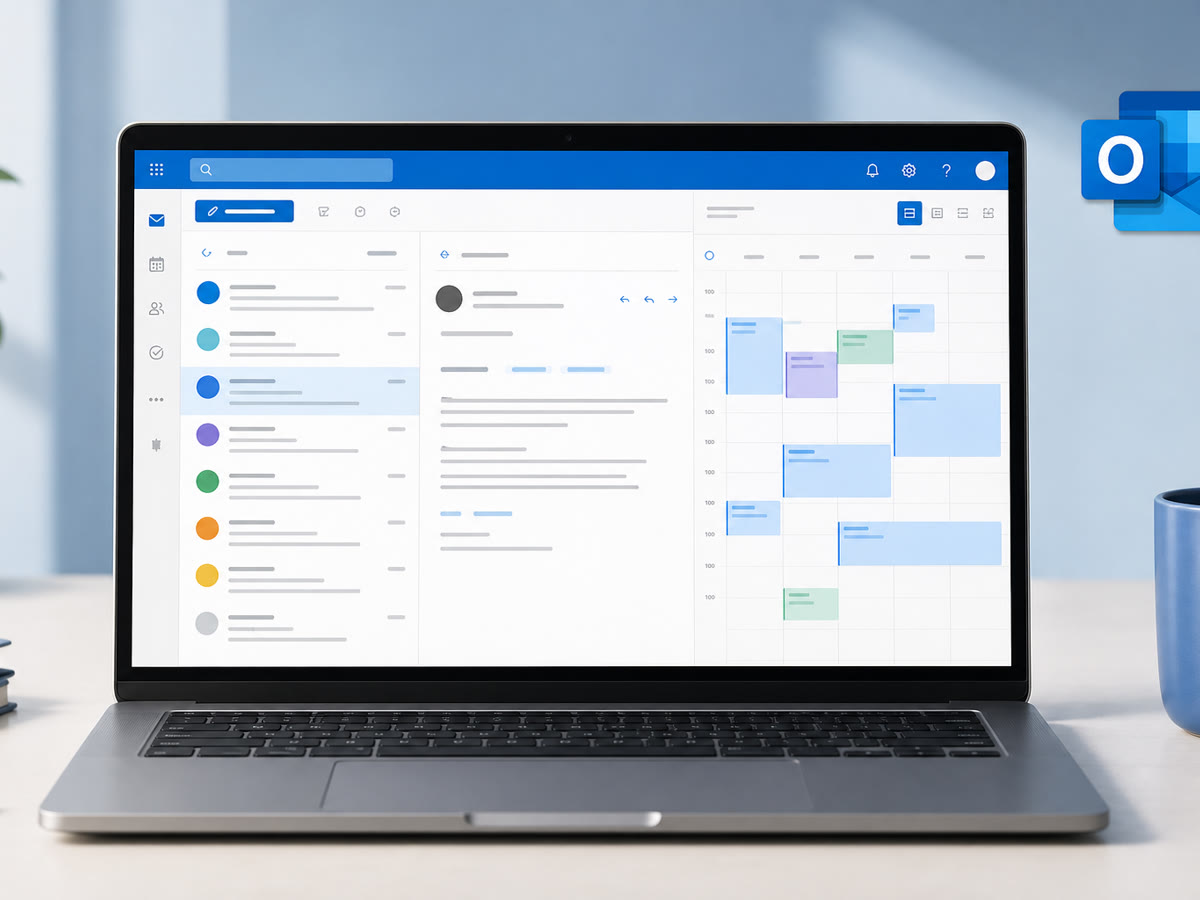
Microsoft
Reliable business email with shared mailboxes, aliases, and mobile sync—plus spam filtering and retention settings that match how you work.
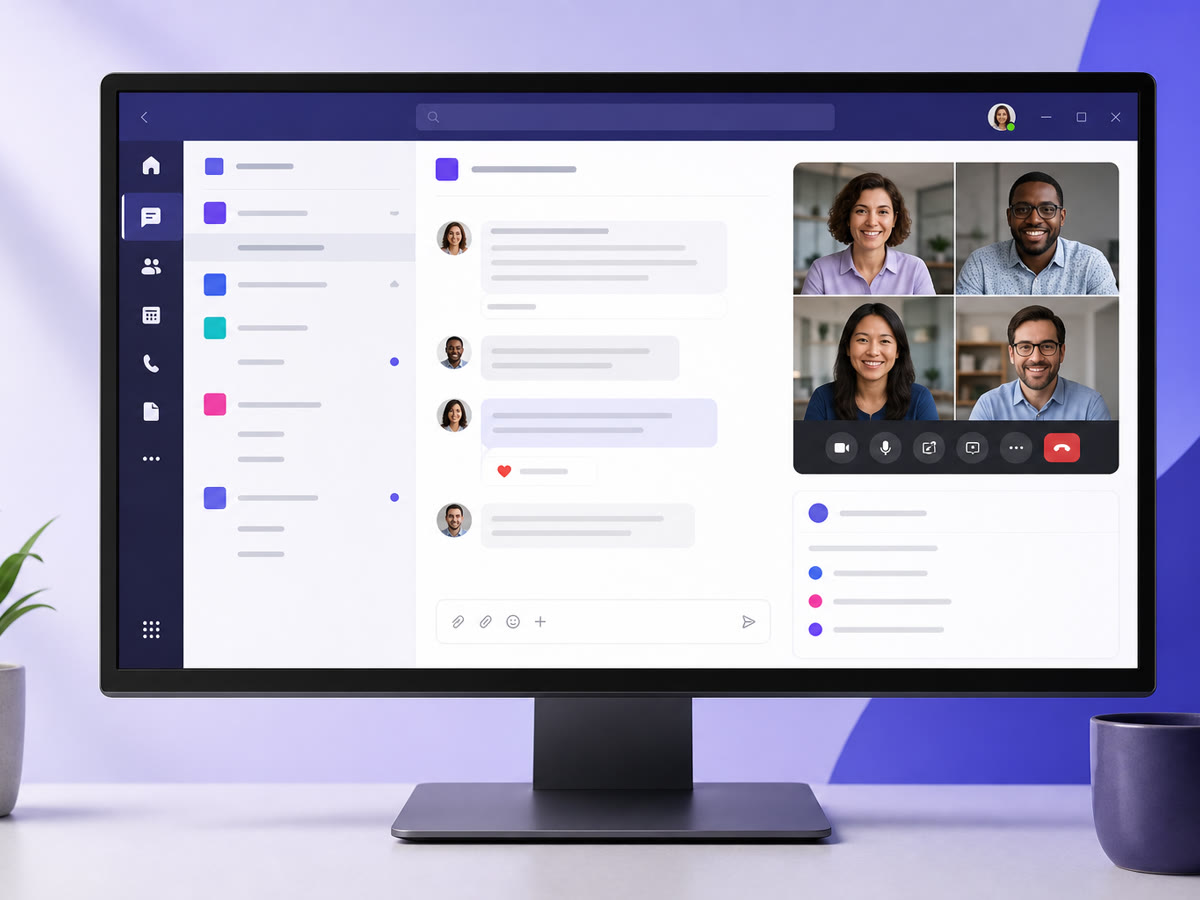
Microsoft
Team chat, video meetings, and channels—with guest access and policies set so files and conversations stay in the right hands.
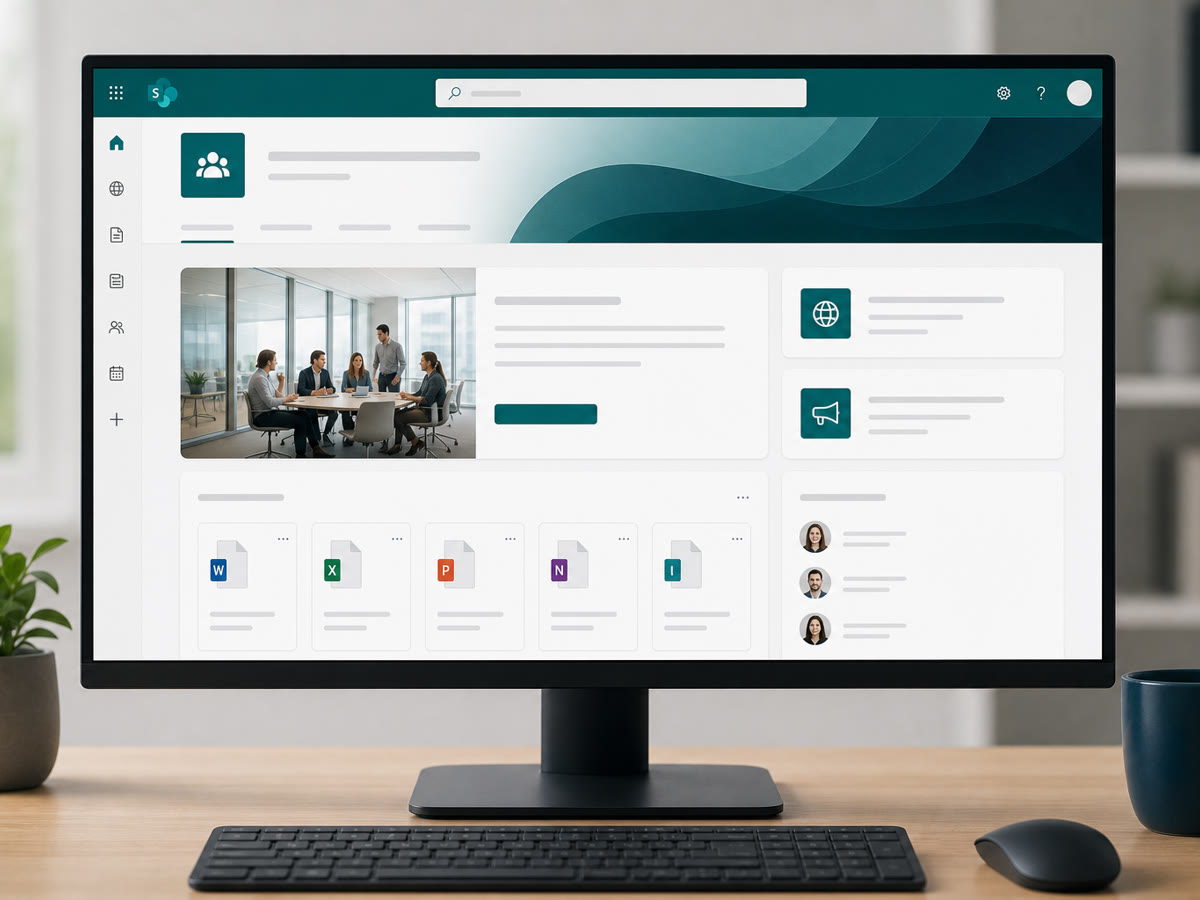
Microsoft
Team sites and document libraries with sensible permissions—so SOPs, contracts, and project files aren't lost in personal inboxes.
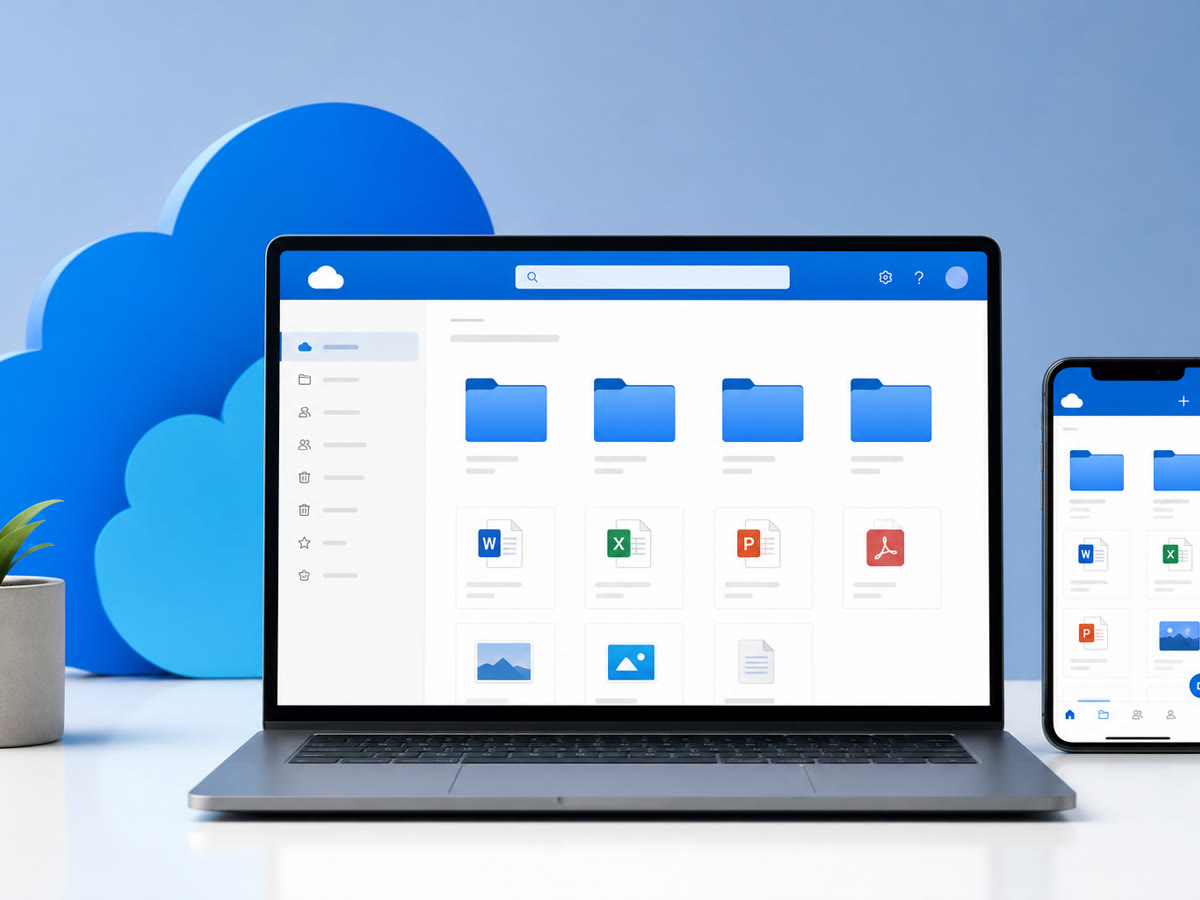
Microsoft
Desktop sync and controlled sharing links—with version history and recovery when someone deletes the wrong folder.
Microsoft
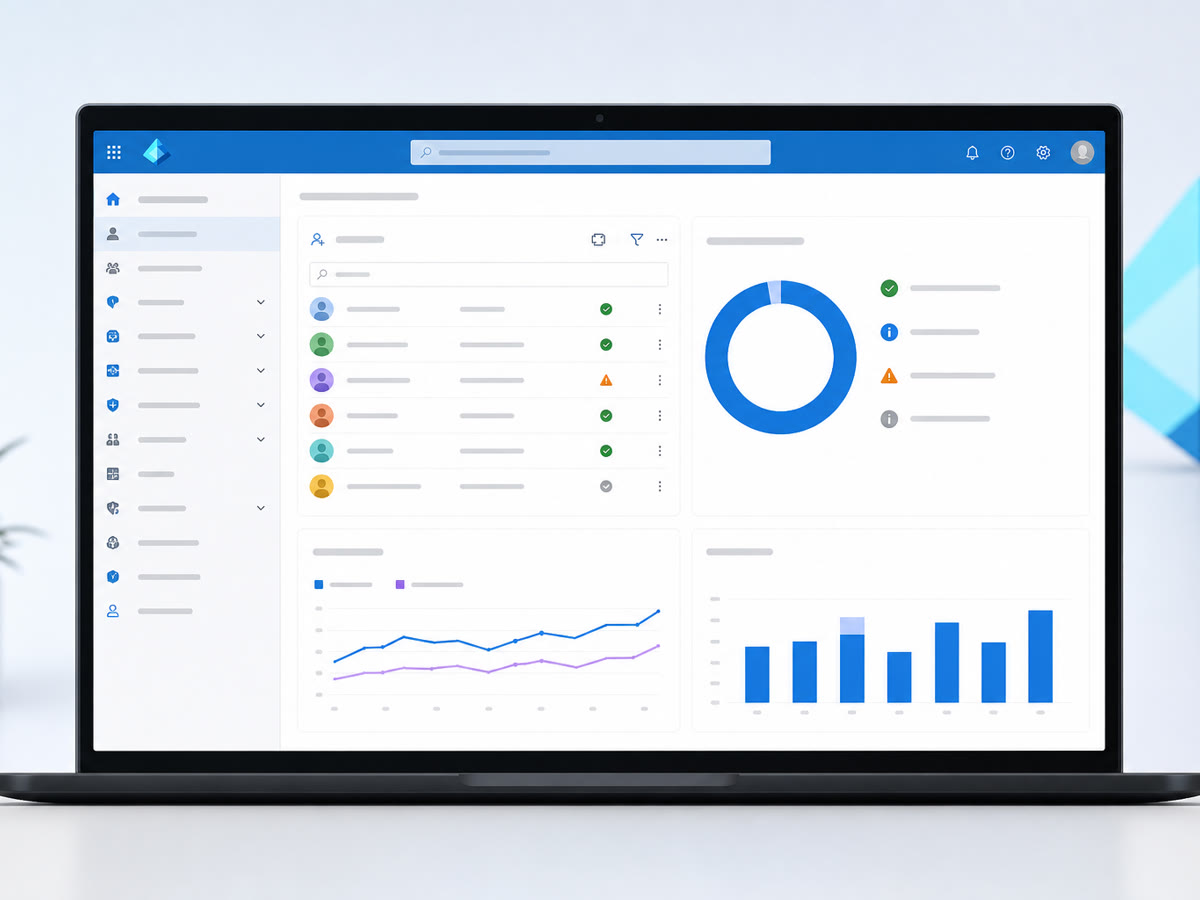
Accounts, groups, and multi-factor sign-in—plus conditional access rules that block risky logins without locking out your team.
Microsoft
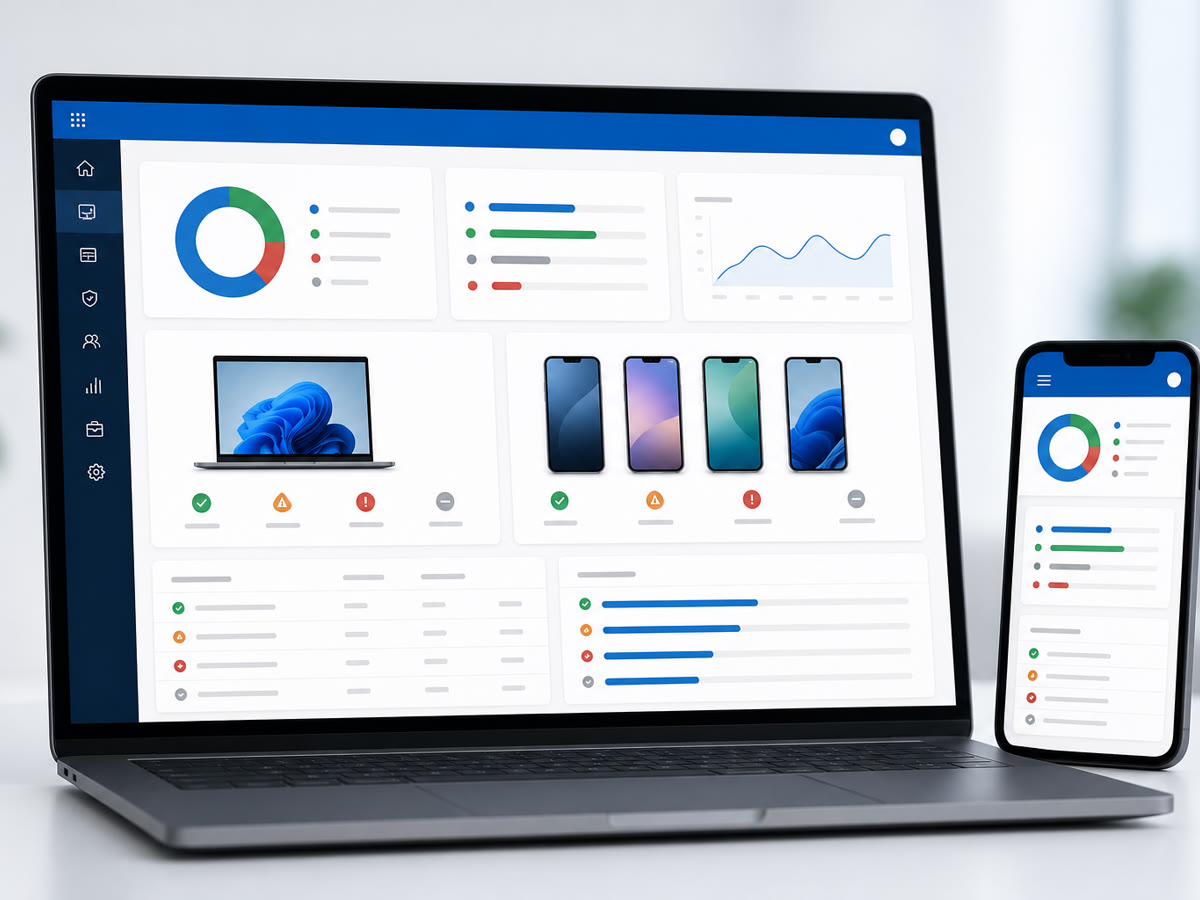
Enroll laptops and phones, push apps and updates, and wipe lost devices—so endpoints stay patched and company data stays contained.
We set up and support Microsoft 365 for small businesses throughout the greater DMV. Our office is at 13873 Park Center Rd, Suite 184, Herndon, VA 20171. From there we serve the greater DMV—Northern Virginia (Loudoun, Fairfax, Arlington, Prince William, and the rest of NoVA), Washington DC, and Maryland (Montgomery County, Prince George’s County, and up to Baltimore), plus Northern Virginia south to Fredericksburg. We are a Northern Virginia shop, not a statewide Virginia vendor covering Richmond or the rural parts of the state. Remote-first IT support everywhere we cover; local engineers for onsite surveys, installs, and projects.
After the migration
Migrations are quoted as a one-time project. Licensing, onboarding, MFA, and the help desk afterwards are what ongoing support covers.
We review licenses, DNS, security gaps, and what you actually use—before moving a single mailbox.
A written migration or rollout plan with timeline, risks, and who does what on cutover day.
Tenant hardening, MFA, migrations, Teams/SharePoint structure, and Intune baselines—tested before go-live.
Day-two help desk, new hires, vendor tickets with Microsoft, and ongoing security tune-ups.
Yes—migrations are one of our most common projects. We move mailboxes from Google Workspace, GoDaddy, cPanel, on-prem Exchange, and other tenants with a planned cutover and verification before we call it done.
We help you choose the right plan and can provision through our partner channels or work with licenses you already own—the goal is the right SKU count, not overselling seats.
That's the goal. We use sensible defaults—Microsoft Authenticator, backup methods, and conditional access—and walk your team through enrollment so sign-in stays smooth.
Yes. Intune pairs naturally with Microsoft 365—we enroll devices, push policies, and handle the same endpoints we support for managed IT clients.
We can scope Teams Phone, number porting, and handset or headset recommendations as part of a project—especially for offices replacing legacy desk phones.
For managed IT clients, day-to-day M365 user support is typically included. Larger migrations, tenant rebuilds, or major Teams/SharePoint projects are scoped separately.
Share a few details about your space and what you're trying to accomplish—we'll follow up to schedule a walkthrough or a call.