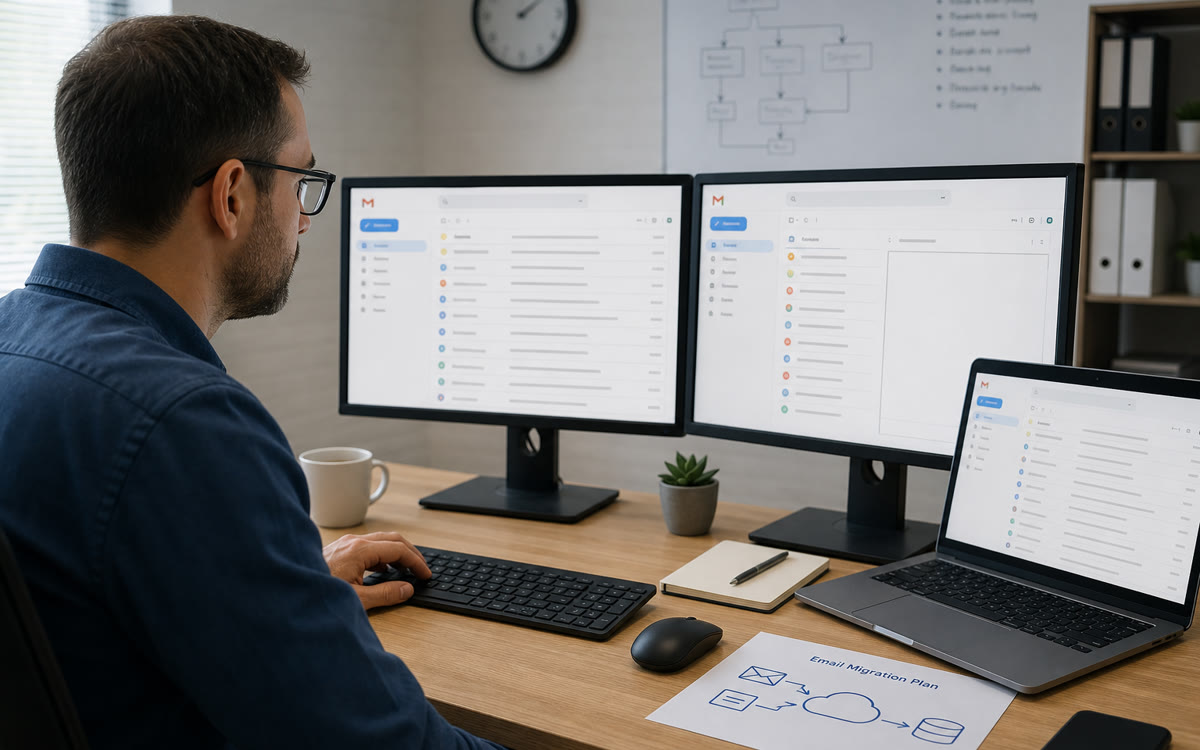
Gmail & Workspace migration
- MX cutover
- Mail coexistence
- Contact sync
Move from Microsoft 365, GoDaddy, or legacy IMAP—mail, calendars, and contacts with DNS planned so Monday morning still works.

Cloud & productivity · Northern Virginia & the DMV
Gmail, Drive, Meet, and Calendar—migrated cleanly, permissions sorted, and supported by a DMV team that also handles your network, security, and devices when you need hands-on help.
Gmail migrations, shared drive cleanups, and Meet rollouts—for agencies, startups, and professional firms across Arlington, Fairfax, and DC.
Move from Microsoft 365, GoDaddy, or legacy IMAP—mail, calendars, and contacts with DNS planned so Monday morning still works.
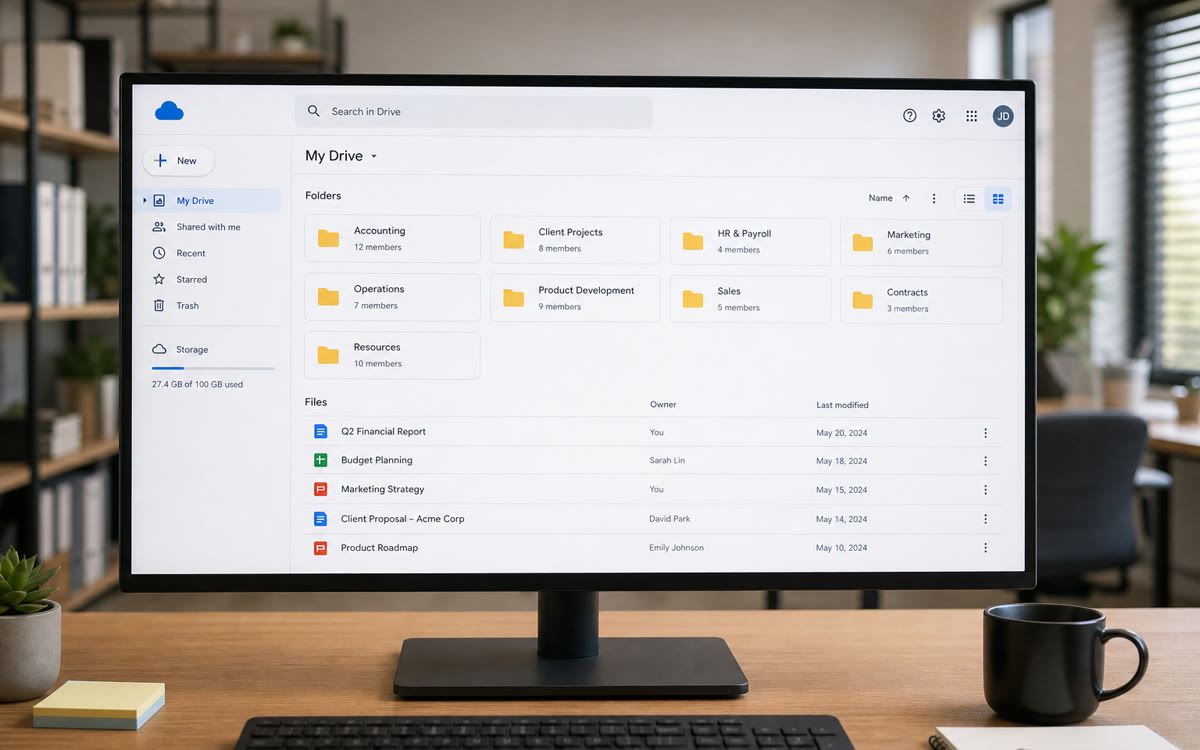
Untangle “anyone with the link” shares, build shared drives by team, and set sensible defaults so client files aren't scattered across personal My Drives.
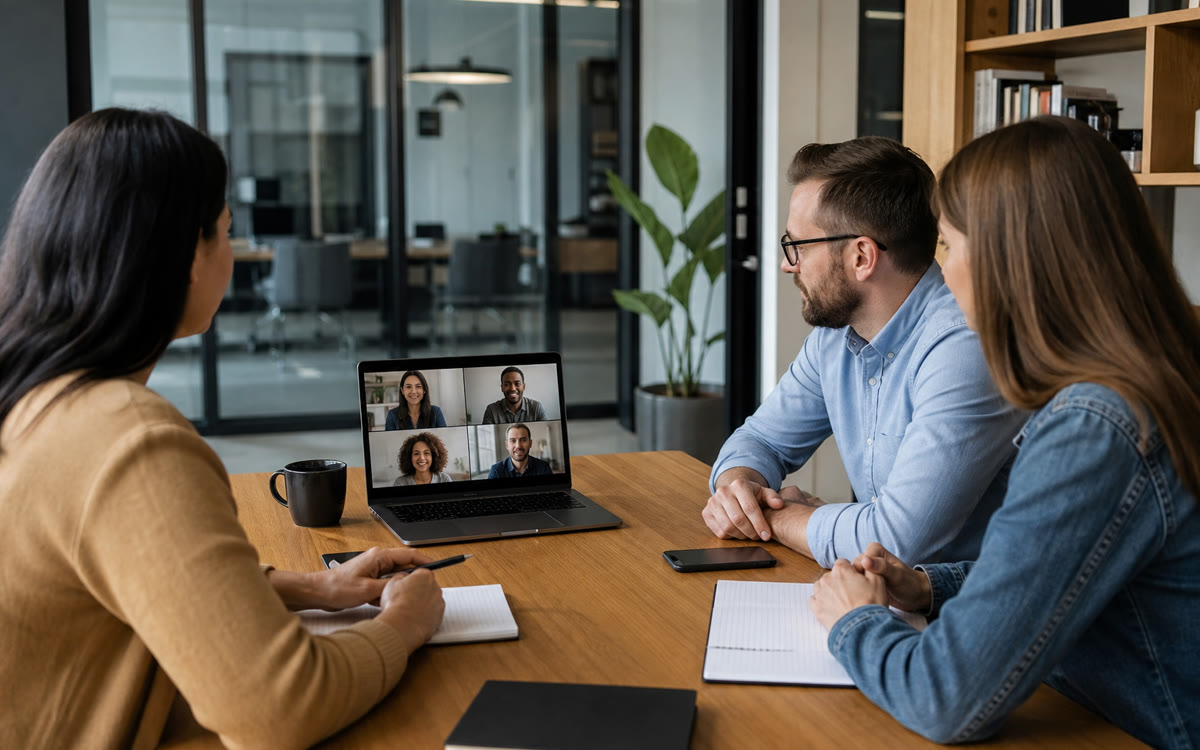
Meeting links, resource calendars, and room setups—so staff in Northern Virginia and DC can join calls without hunting for the right link.
The Google collaboration stack we configure, secure, and support for DMV small businesses.
We live in both Microsoft and Google ecosystems—migrations, admin console hardening, shared drives, Meet rooms, and the everyday fixes when someone can't send mail or finds the wrong folder shared publicly.
Professional email on your domain—with aliases, delegation, and mobile setup that stays synced across phones and laptops.
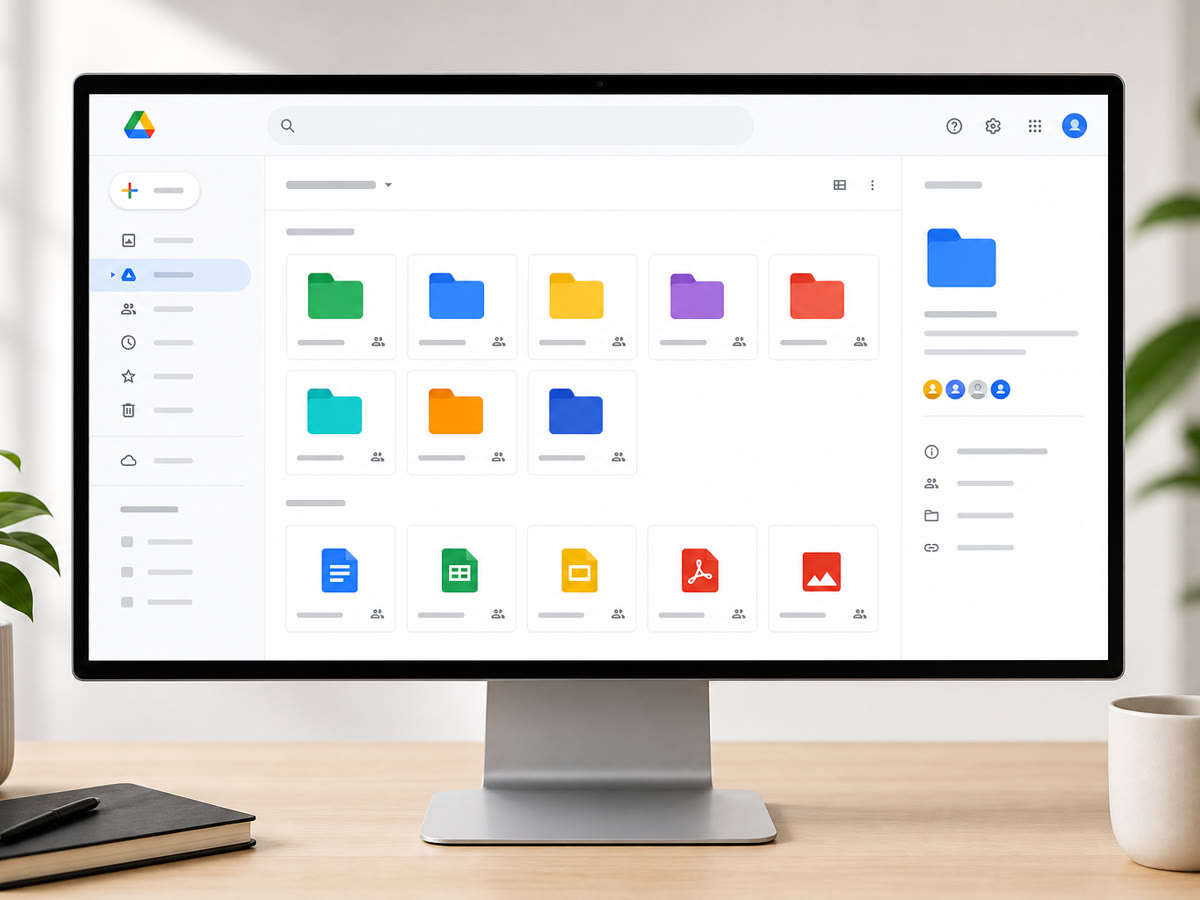
Team folders with real permissions—not a pile of personal drives—with sharing policies that keep client data off public links.
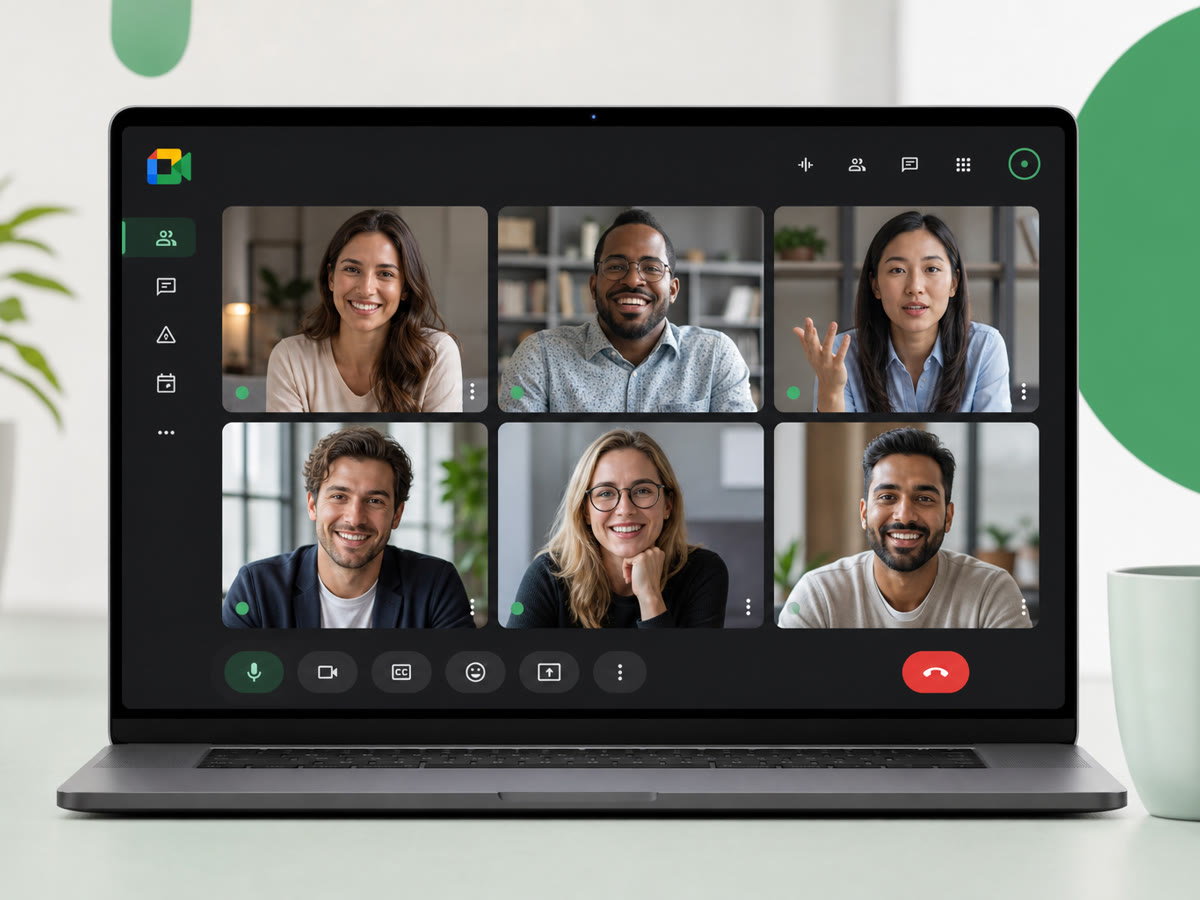
Reliable video meetings with dial-in and recording options—configured for the way your team actually schedules calls.
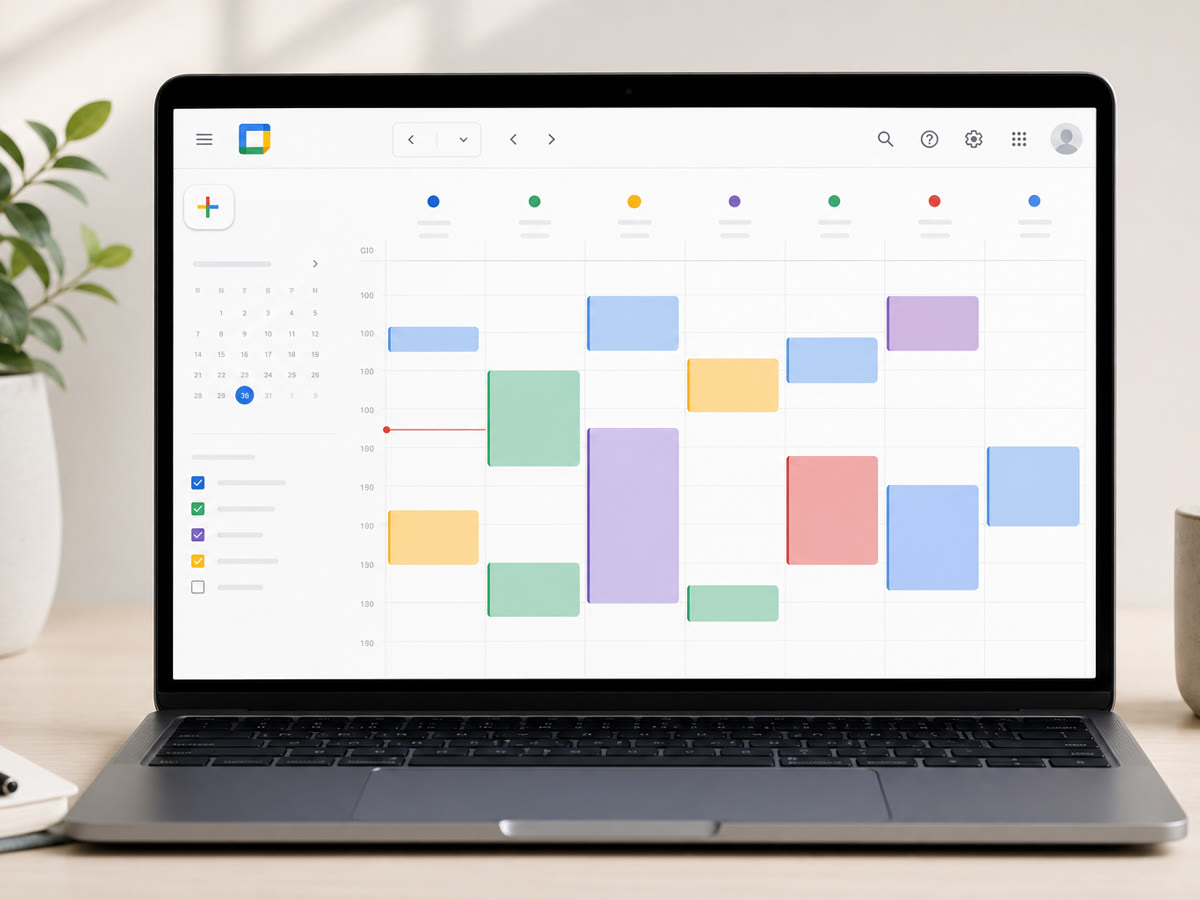
Shared team calendars and conference room resources—so booking a room doesn't require a separate spreadsheet.
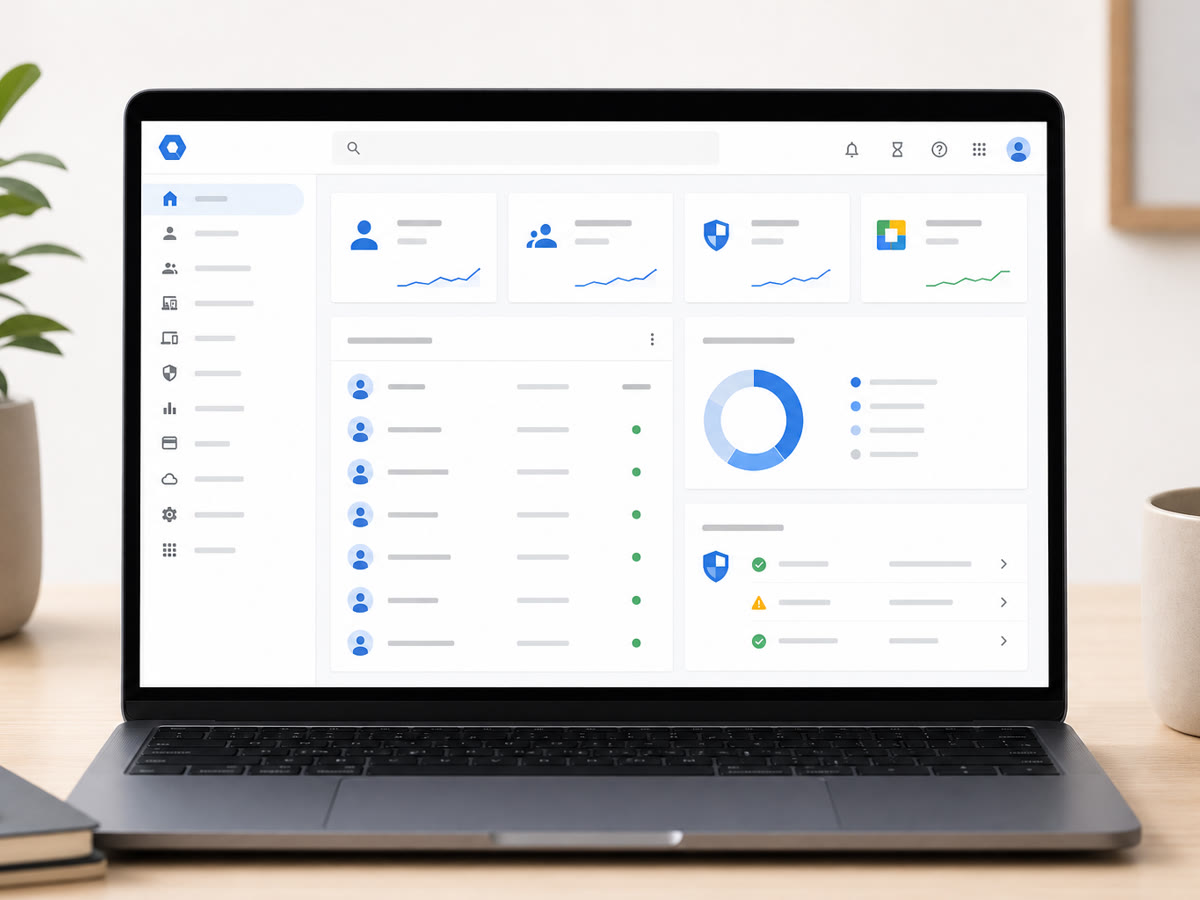
Admin console policies, 2-Step Verification enrollment, and app access controls—plus alerts when something looks off.
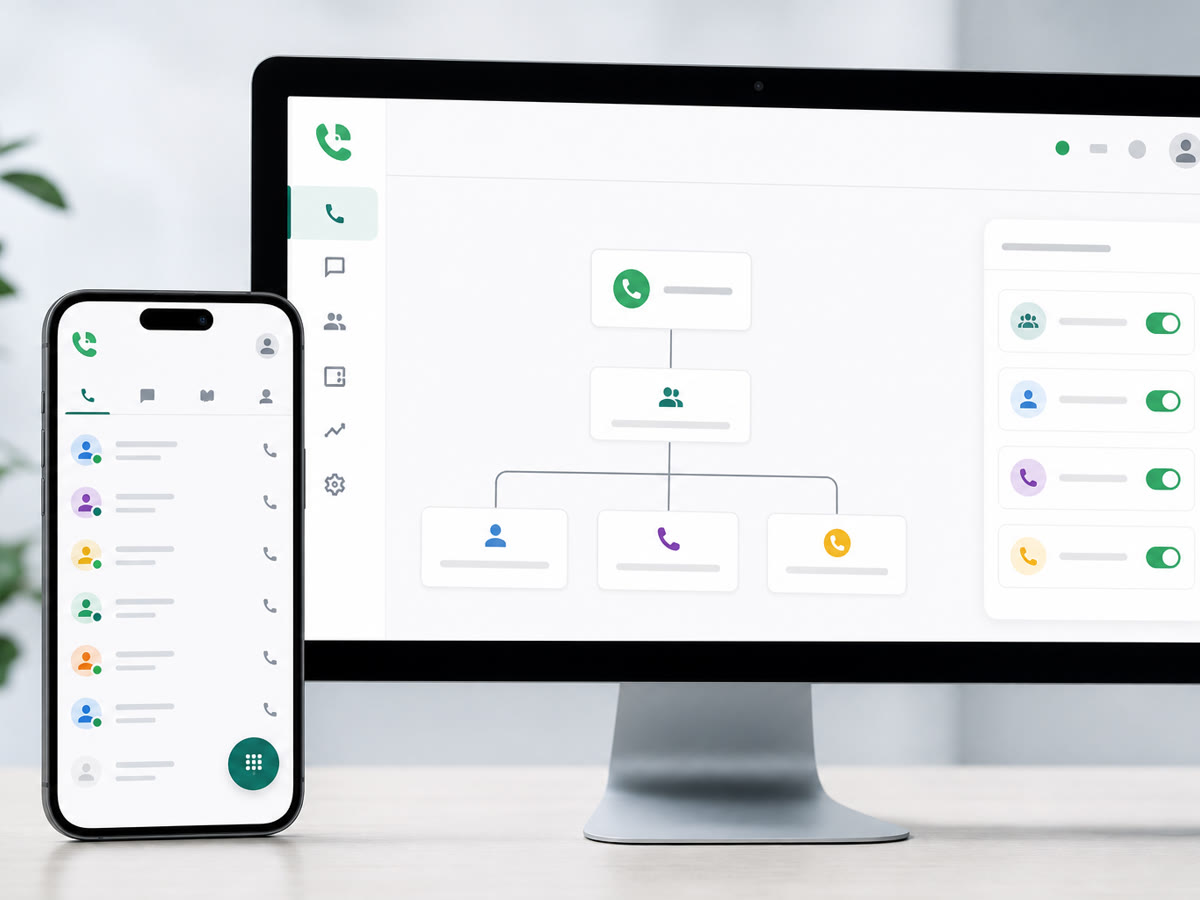
Business numbers with routing to the right person—voicemail transcripts and texting where it fits your workflow.
We set up and support Google Workspace for small businesses throughout the greater DMV. Our office is at 13873 Park Center Rd, Suite 184, Herndon, VA 20171. From there we serve the greater DMV—Northern Virginia (Loudoun, Fairfax, Arlington, Prince William, and the rest of NoVA), Washington DC, and Maryland (Montgomery County, Prince George’s County, and up to Baltimore), plus Northern Virginia south to Fredericksburg. We are a Northern Virginia shop, not a statewide Virginia vendor covering Richmond or the rural parts of the state. Remote-first IT support everywhere we cover; local engineers for onsite surveys, installs, and projects.
After the migration
A Workspace move is a one-time project. Accounts, shared drives, 2FA, and the help desk afterwards are what ongoing support covers.
We inventory mailboxes, shared drives, integrations, and security gaps before changing MX records.
Migration waves, admin policies, and a cutover checklist—with a rollback plan if DNS needs another look.
Hardened admin settings, 2FA, shared drive structure, and Meet/Calendar defaults—verified with test accounts.
Help desk for users, new hires, Google support escalations, and periodic permission audits.
Yes—and the other direction too. We plan coexistence or staged cutovers so teams aren't without email, and we verify mail flow before we call the migration complete.
Often. We audit public links, move files into shared drives, and set org-wide sharing defaults so new files start in the right place.
Yes. We configure admin policies, enrollment deadlines, and backup codes—plus help desk support for stragglers so security doesn't become a blocker.
We can scope Meet-compatible room setups and calendar resources as part of a project—especially alongside our commercial AV work when you want cameras and displays integrated.
It can be—with the right settings, 2FA, and sharing policies. We pair technical safeguards with your compliance counsel's requirements; we're IT partners, not lawyers.
For managed IT clients, everyday user support is typically included. Large migrations, shared-drive rebuilds, or major admin projects are scoped separately.
Share a few details about your space and what you're trying to accomplish—we'll follow up to schedule a walkthrough or a call.