Business phones & VoIP · Northern Virginia & the DMV
Business phones that just work, anywhere.
Retire the aging desk phones and tangled call flow. We set up Microsoft Teams Phone, Google Voice, and VoIP handsets with clean routing, an auto-attendant, and a network tuned for crisp calls—for teams across Arlington, Fairfax, DC, and Maryland.
From replacing a dusty PBX to routing calls across locations—every job starts with how callers and staff actually use the phones.
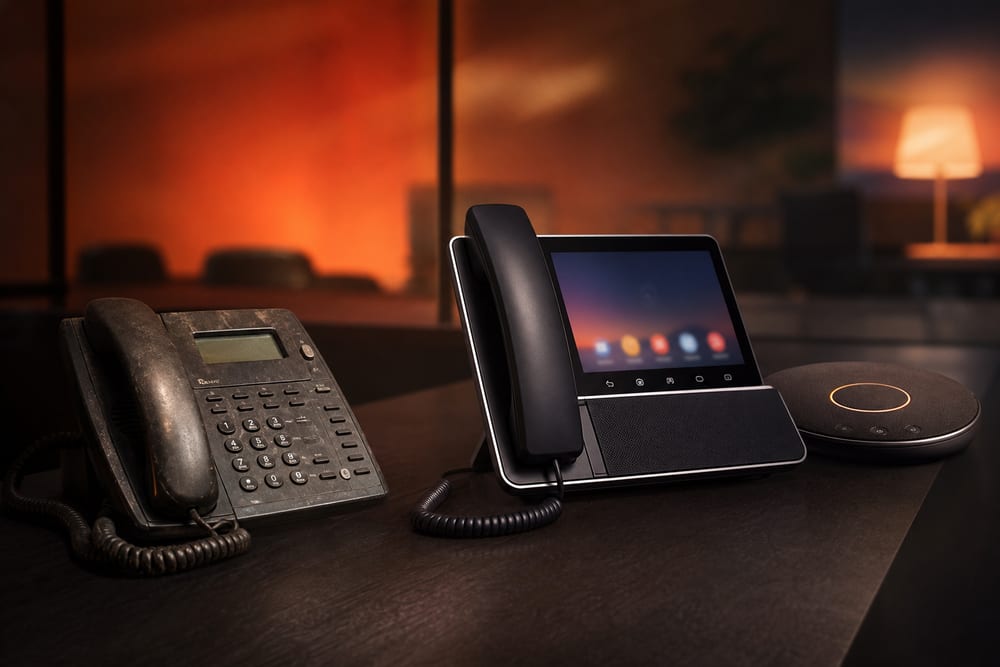
Replace aging desk phones
VoIP handsets
Conference phone
Video aligned
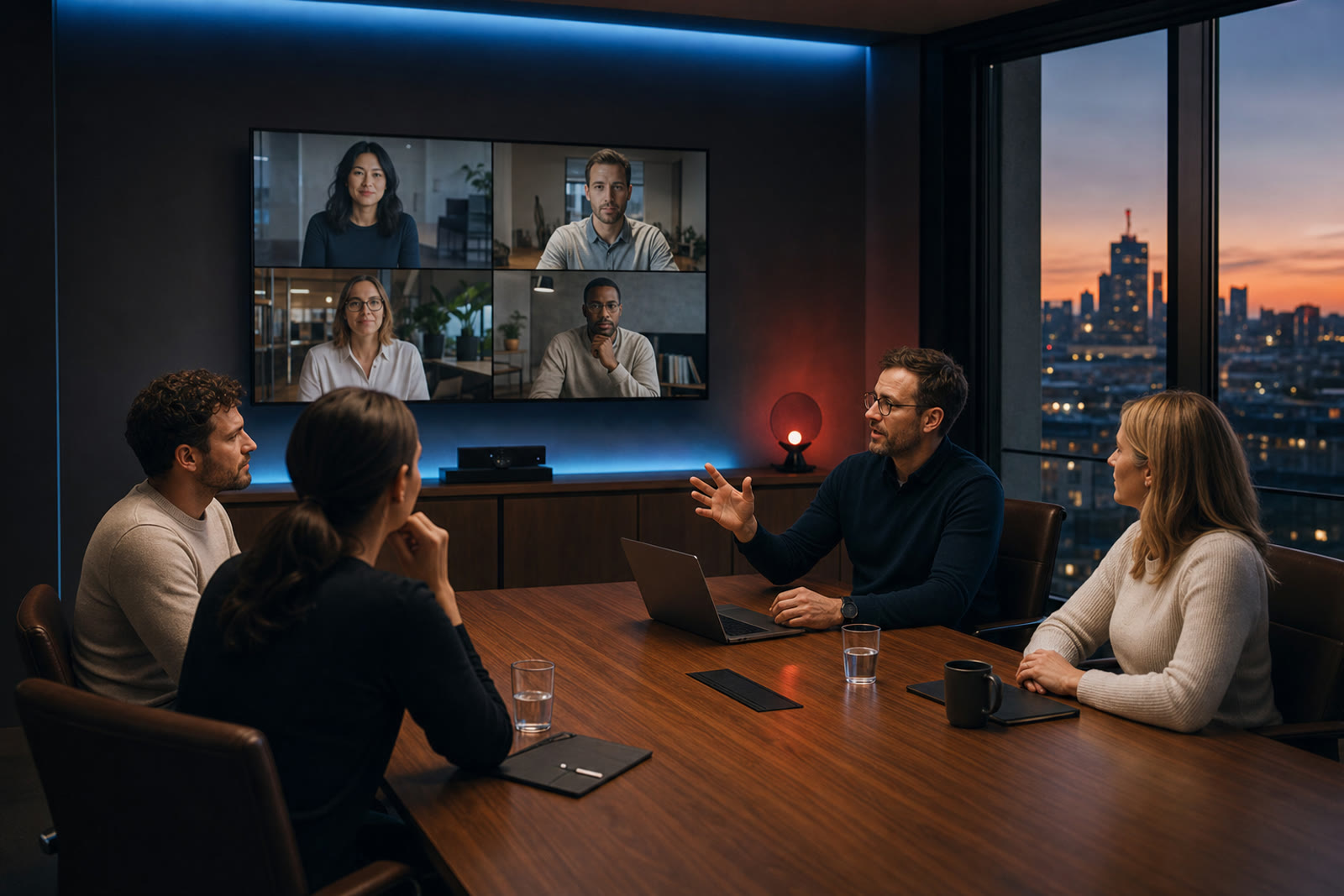
Swap end-of-life desk phones for modern VoIP handsets, add a conference room phone aligned with your video setup, and keep your numbers—so the upgrade is seamless for staff and callers.
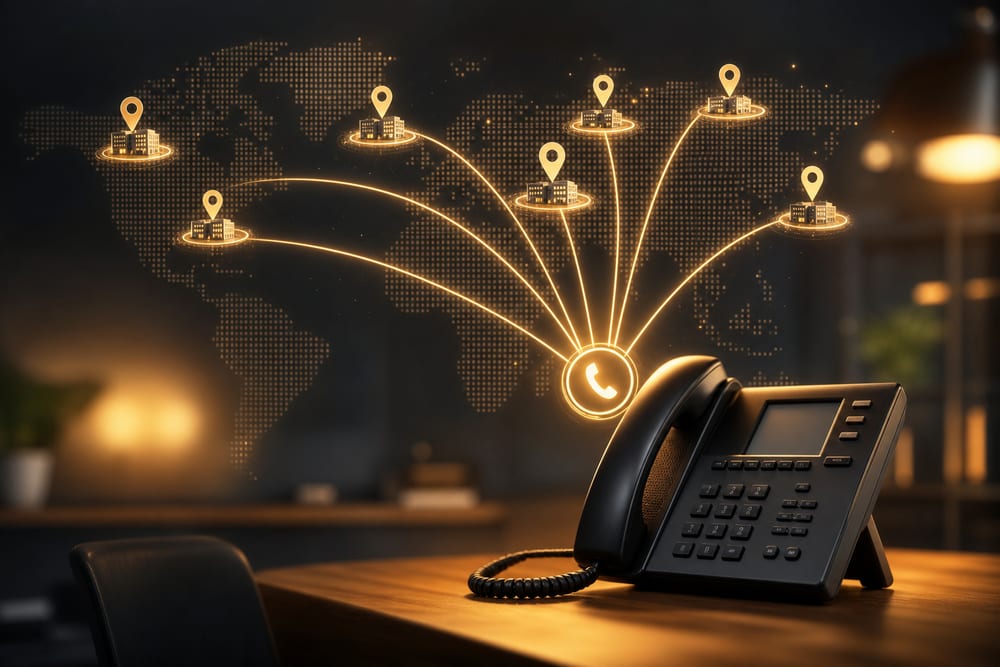
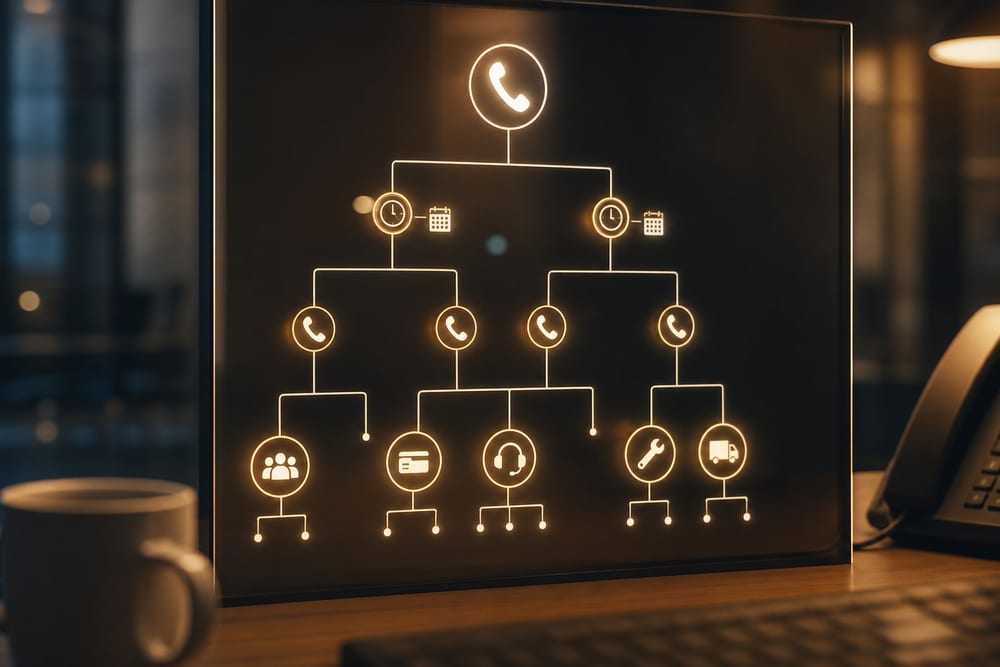
Multi-location routing & reception IVR
Call routing
Auto-attendant
Queues
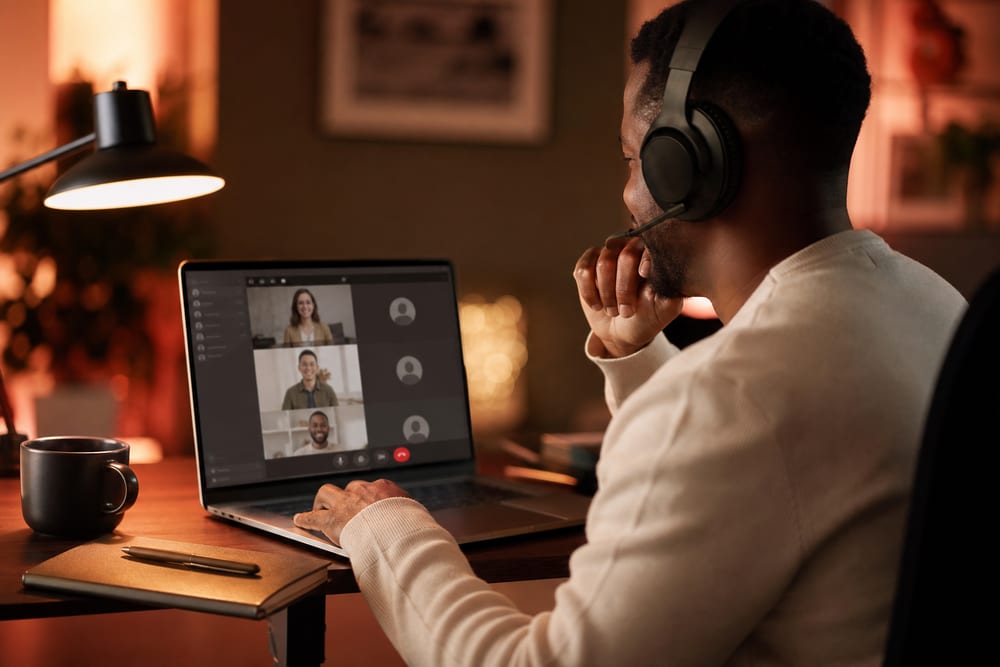
One phone system across locations: smart routing, a reception auto-attendant/IVR, call queues, and hours-based greetings—so callers reach the right person no matter which office.
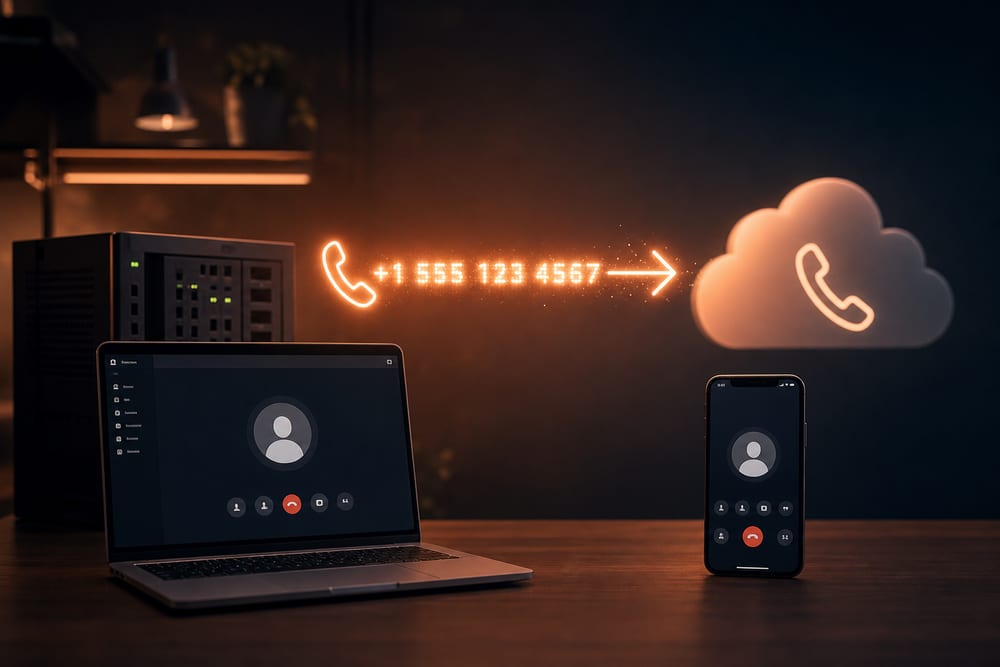
Teams Phone or Google Voice migration
Teams Phone
Google Voice
Number porting
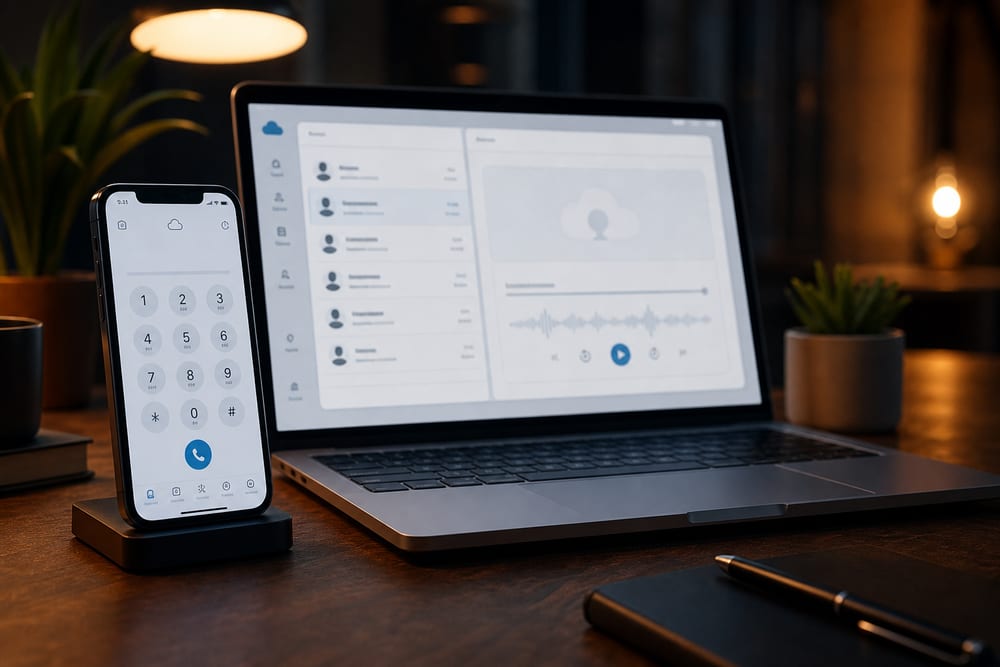
Move from a legacy PBX or carrier lines to Microsoft Teams Phone or Google Voice—numbers ported cleanly, call flows rebuilt, and staff trained, with a tested cutover so the lines never go dark.
Two of these we sell as a finished, installed system.
Phone work is usually quoted per seat and left for you to assemble. These two are scoped as a whole outcome instead—designed first, then one price to install and support.
The platforms and pieces we configure most for DMV business phones—chosen to fit how you work, on a network built to carry the calls.
Phones feel simple until a call drops, the after-hours greeting is wrong, or nobody can reach the second location. We design the call flow first—who rings, when, and what callers hear—then put it on Teams Phone, Google Voice, or VoIP handsets, on a network tuned with QoS and VLANs so calls stay crisp. One local Northern Virginia team handles the phones and the network behind them.
Microsoft
Microsoft Teams Phone
Calling in Teams
Direct Routing
Mobile app
Turn Teams into your phone system—calling from desktop, mobile, and desk phones, with auto-attendants and queues. A natural fit if you already live in Microsoft 365.
Google
Google Voice
Workspace native
Anywhere calling
Simple admin
Cloud calling built into Google Workspace—numbers, voicemail, and ring groups managed from the admin console. Clean and simple for Google-first teams.
Handsets
Desk & conference phones
Desk phones
Conference
Reception
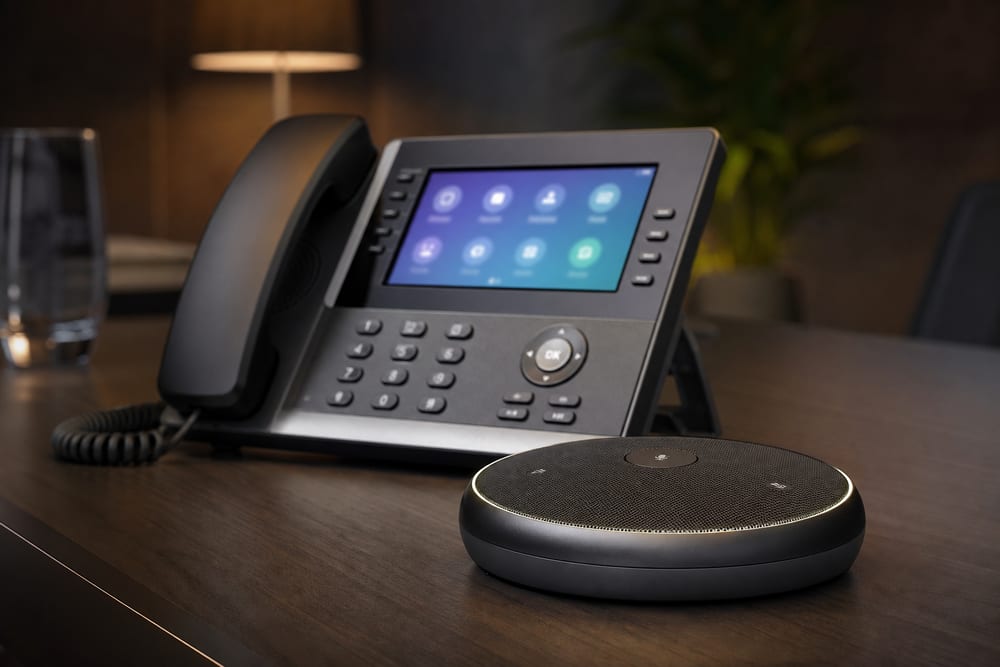
Certified desk handsets, reception consoles, and conference room speakerphones—provisioned, mounted, and aligned with your video gear so meeting rooms just work.
Call flow
Auto-attendant / IVR
Menus
Hours & holidays
Queues
Professional greetings, menu trees, hours- and holiday-based routing, and call queues—designed so callers reach the right person fast instead of getting lost or voicemail.
Network
VoIP-ready network (QoS/VLANs)
QoS
Voice VLAN
PoE
Choppy calls usually mean the network, not the phones. We put voice on its own VLAN with QoS and PoE so calls stay crisp even when the internet is busy.
Numbers
Number porting
Keep your number
No downtime
New lines
Keep the numbers your customers know—we manage the port, line up the cutover, and add new lines or toll-free numbers as needed, so phones never go dark mid-port.
Business phone systems & VoIP across Northern Virginia, Washington DC & Maryland
We design and install business phone systems—Microsoft Teams Phone, Google Voice, VoIP handsets, auto-attendants, multi-location routing, and number porting—for small businesses throughout the greater DMV. Our office is at 13873 Park Center Rd, Suite 184, Herndon, VA 20171. From there we serve the greater DMV—Northern Virginia (Loudoun, Fairfax, Arlington, Prince William, and the rest of NoVA), Washington DC, and Maryland (Montgomery County, Prince George’s County, and up to Baltimore), plus Northern Virginia south to Fredericksburg. We are a Northern Virginia shop, not a statewide Virginia vendor covering Richmond or the rural parts of the state. Remote-first IT support everywhere we cover; local engineers for onsite surveys, installs, and projects.
Day-to-day
Who handles it when someone leaves and their extension does not?
Porting and install are a one-time project. Moves, adds, and changes afterwards are either your job or ours—here is what ours looks like.
We learn who should ring, when, and what callers hear—main line, departments, after-hours, and multiple locations—before touching a setting.
02
Build the system
We stand up Teams Phone, Google Voice, or VoIP handsets, build the auto-attendant and queues, and tune the network with a voice VLAN and QoS.
03
Port & cut over
Numbers ported on a planned date, phones provisioned and tested, and a fallback ready—so the lines never go dark during the switch.
04
Train & support
A short walkthrough for staff and reception, plus ongoing support from the same local team that runs your network and IT.
Good to know.
Do you set up business phone systems in Arlington, Fairfax, and across NoVA?
Yes—business phones and VoIP are a core service. We design call flows and install Microsoft Teams Phone, Google Voice, and VoIP handsets for small businesses across Northern Virginia and the DMV, with local help to plan the cutover and support it afterward.
Should we use Microsoft Teams Phone or Google Voice?
It usually follows your email and collaboration platform. If you're on Microsoft 365, Teams Phone lets staff call from the apps they already use; if you're on Google Workspace, Google Voice is clean and simple. We'll recommend based on your tools, locations, and how you handle calls—not a single vendor.
Can we keep our existing phone numbers?
Yes. We manage number porting from your current carrier or PBX, schedule the cutover, and keep a fallback in place so your lines don't go dark during the switch. We can also add new local or toll-free numbers.
Why do our current VoIP calls sound choppy?
Almost always the network, not the phones. Without prioritization, a busy internet connection makes calls break up. We put voice on its own VLAN with QoS and proper PoE switching so calls stay crisp even during heavy use—often the real fix behind "our phones are bad."
Can you route calls across multiple locations and set up an auto-attendant?
Yes. We build one phone system across your locations with smart routing, reception auto-attendant/IVR menus, call queues, and hours- and holiday-based greetings—so callers reach the right person no matter which office answers.
Do you support the phones after install?
Yes. Phones tie into the network and your day-to-day operations, so most clients keep us on for support—changes to greetings and routing, new handsets, and troubleshooting—alongside our managed IT across Northern Virginia, Washington DC, and Maryland.
Tell us about your project.
Share a few details about your space and what you're trying to accomplish—we'll follow up to schedule a walkthrough or a call.