Backup & disaster recovery · Maryland & Northern Virginia
Backups that are real, tested, and recoverable.
Most businesses have "backups" until the day they need them. We protect Microsoft 365, Google Workspace, servers, and VMs with offsite and immutable copies—and prove they restore with real drills—for teams across Maryland and Northern Virginia.
Backup & recovery projects we deliver across the DMV.
High-stakes engagements for teams that can't afford to lose data—or to find out their backups never worked.
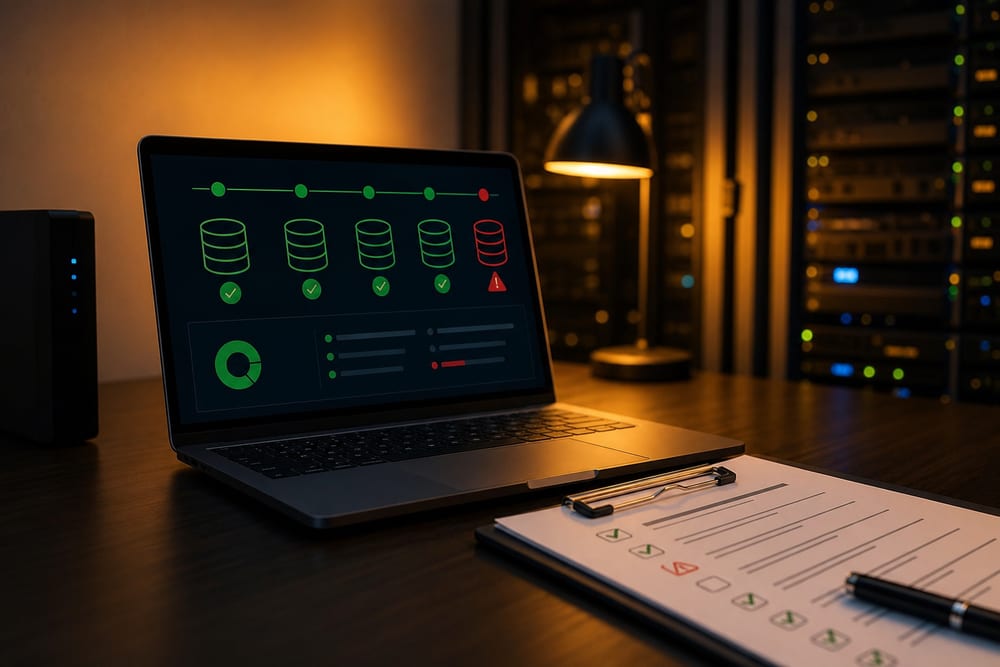
"Are our backups real?" audit
Audit
Restore drill
Gaps found
We inventory what's actually being backed up, find the gaps (M365, that one server, the NAS nobody owns), and run a live restore so you see real recovery times—then set up quarterly drills.
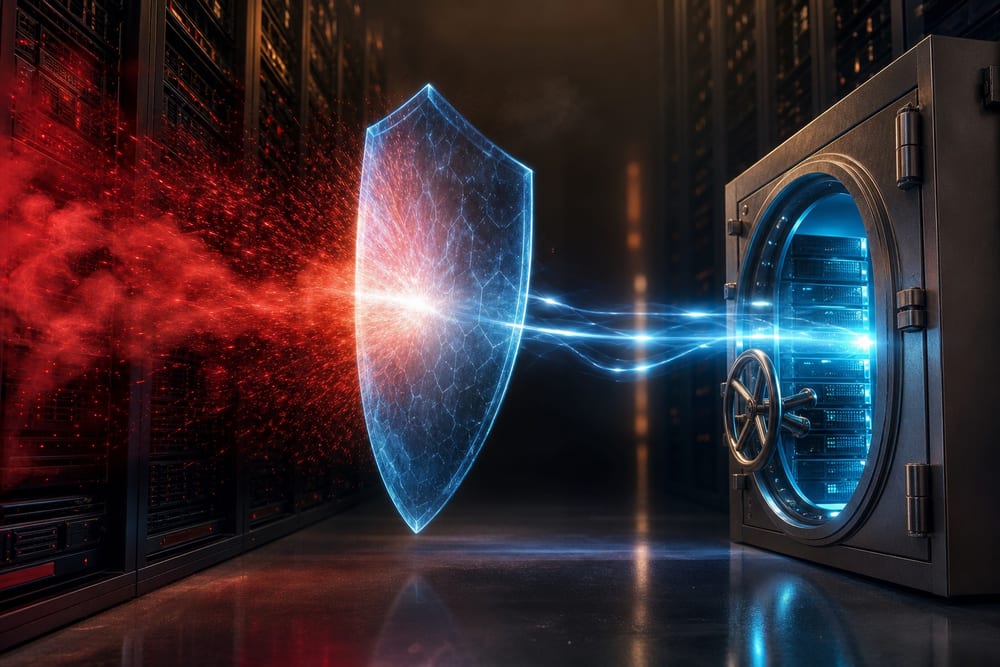
Ransomware recovery playbook
Immutable copies
Clean restore
Runbook
A documented playbook for the worst day: isolate, restore from immutable copies attackers can't encrypt, verify clean, and bring systems back in the right order—so a bad click isn't a closed business.
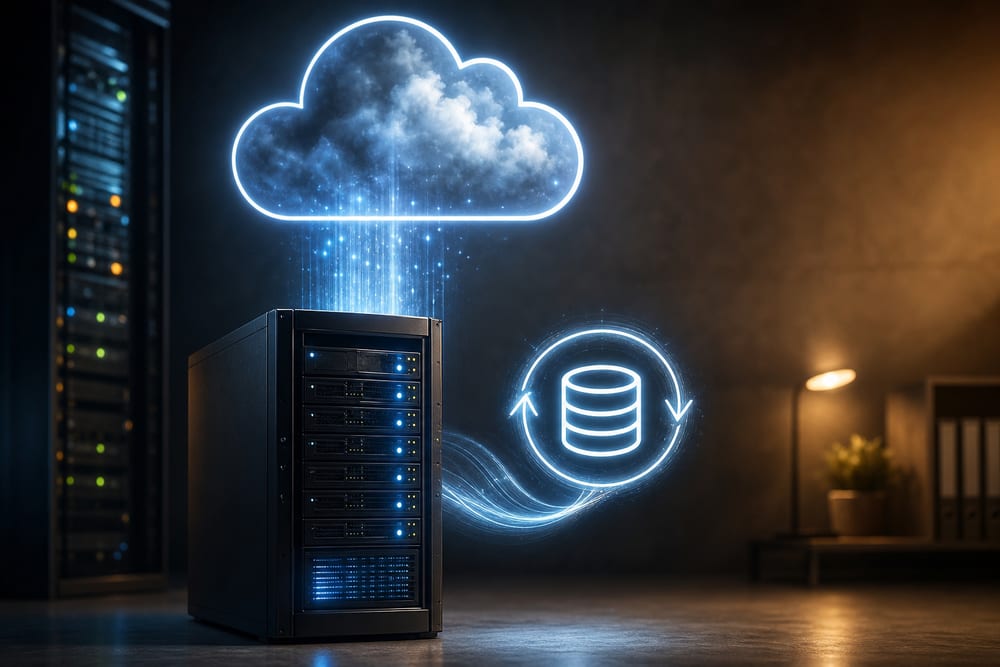
Server → cloud migration with backup
Migration
Replication
Retention
Aging server? We migrate workloads to the cloud or a modern host, set up replication and retention, and add M365 or Google mailbox backup—so the move also fixes your recovery story.
Where most of this work actually starts.
Backup planning almost always turns into two conversations: proving the restore works, and finding somewhere sound to put the hardware that makes it fast.
The platforms and layers we protect for DMV small businesses—so every critical system has a tested, recoverable copy.
A backup you've never restored is a hope, not a plan. We back up the things most people miss—Microsoft 365 and Google Workspace mailboxes, servers, and VMs—keep offsite and immutable copies ransomware can't touch, and run restore drills so you know exactly how fast you'd be back. One local team owns backup and disaster recovery for Maryland and Northern Virginia: the backups, the recovery plan, and the drill.
Microsoft 365
Microsoft 365 backup
Exchange
OneDrive & SharePoint
Teams
Microsoft keeps the service running—not your data forever. We back up Exchange, OneDrive, SharePoint, and Teams so a deleted mailbox or overwritten file is a quick restore, not a loss.
Google Workspace
Google Workspace backup
Gmail
Drive
Shared Drives
Independent backup for Gmail, Drive, and Shared Drives—so accidental deletion, a departing employee, or a compromised account never takes your records with it.
Servers
Server & VM backup
Image-based
Bare-metal restore
Hyper-V & VMware
Image-based backups of physical servers and VMs (Hyper-V, VMware) for fast bare-metal or virtual restore—so a dead server is hours of recovery, not days of rebuilding.
Replication
Offsite & cloud replication
3-2-1 rule
Cloud copy
Geo-redundant
We follow the 3-2-1 rule—multiple copies, multiple media, one offsite—replicating to the cloud so a fire, flood, or theft at the office never wipes out your only copy.
Ransomware-proof
Immutable & offline copies
Immutable
Air-gapped
Tamper-proof
Write-once, immutable copies and offline retention that ransomware can't encrypt or delete—the difference between paying a ransom and clicking restore.
Runbooks
Documented recovery runbooks
RTO/RPO
Step-by-step
Quarterly drills
A plain-language runbook for each system—what to restore, in what order, and how fast (RTO/RPO)—plus quarterly drills so recovery is rehearsed, not improvised.
Backup and disaster recovery across Maryland, Northern Virginia & Washington DC
We design, run, and test backup and disaster recovery—Microsoft 365 and Google Workspace backup, server and VM protection, offsite and immutable copies, and recovery runbooks—for small businesses throughout Maryland, Northern Virginia, and the greater DMV. Our office is at 13873 Park Center Rd, Suite 184, Herndon, VA 20171. From there we serve the greater DMV—Northern Virginia (Loudoun, Fairfax, Arlington, Prince William, and the rest of NoVA), Washington DC, and Maryland (Montgomery County, Prince George’s County, and up to Baltimore), plus Northern Virginia south to Fredericksburg. We are a Northern Virginia shop, not a statewide Virginia vendor covering Richmond or the rural parts of the state. Remote-first IT support everywhere we cover; local engineers for onsite surveys, installs, and projects.
One-time work
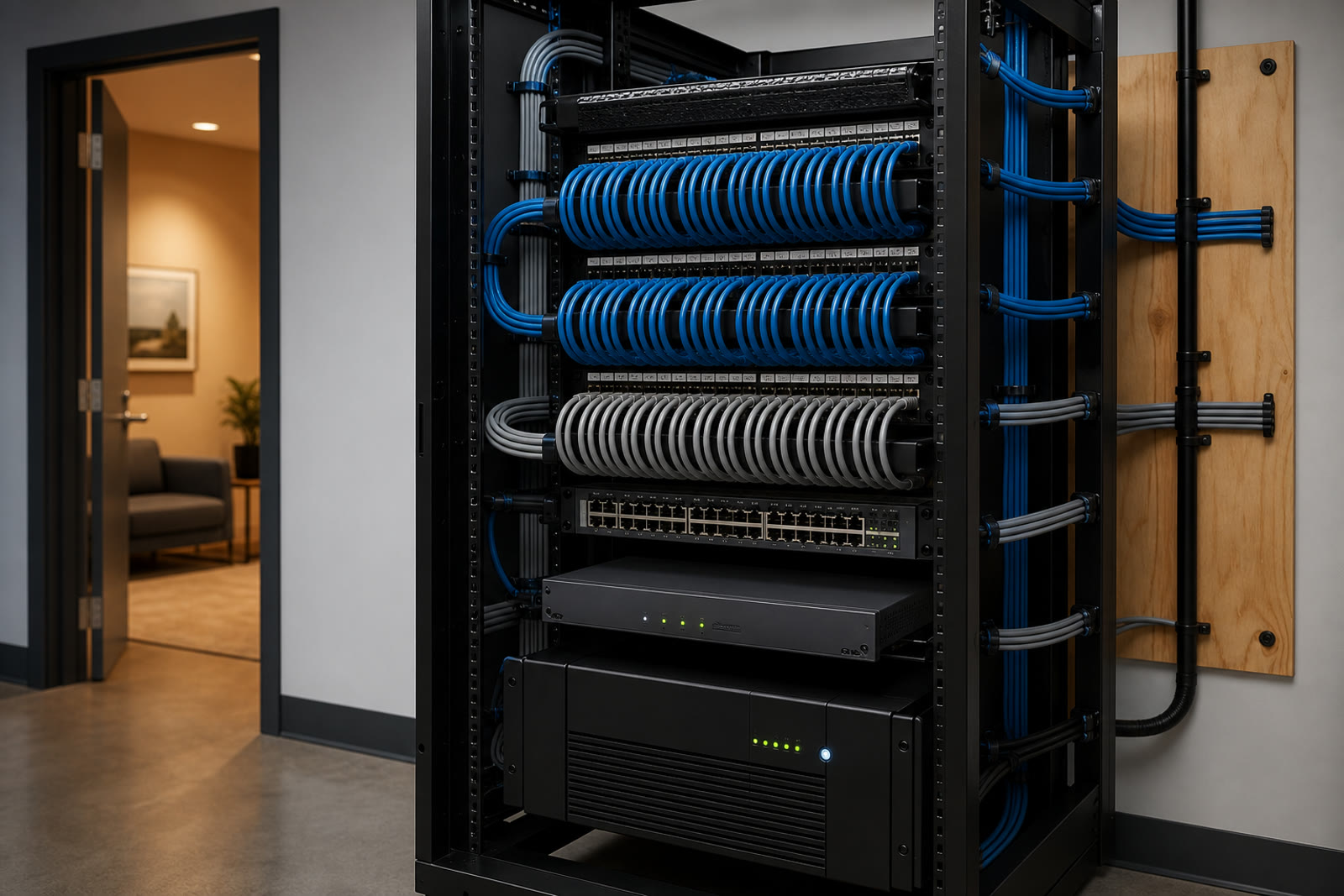
Getting off the old server is a project of its own.
Migrations, server retirements, and closet rebuilds are quoted fixed-price after a walkthrough, with or without a support plan.
We map every system and data source, check what's really being backed up, and find the gaps—then set recovery targets (RTO/RPO) with you.
02
Protect
We back up M365, Google Workspace, servers, and VMs with the right retention—covering the data Microsoft and Google don't keep for you.
03
Replicate
Copies go offsite and immutable—3-2-1 with a cloud and a ransomware-proof copy—so no single event can wipe out your only backup.
04
Drill
We run real restores on a schedule, document the runbook, and report recovery times—so when something fails, recovery is rehearsed.
Good to know.
Don't Microsoft 365 and Google Workspace already back up our data?
No—and this is the most common and most dangerous assumption. Microsoft and Google keep the service running and offer short, limited recycle-bin style retention, but they explicitly recommend a third-party backup. If a mailbox is deleted, a file is overwritten, or an account is compromised, native retention often can't get it back. We add independent backup for Exchange, OneDrive, SharePoint, Teams, Gmail, and Drive.
How do we know our backups will actually restore?
We test them. A backup you've never restored is a hope, not a plan—so we run live restore drills (quarterly for most clients), measure real recovery times, and document them. If a restore ever fails the drill, we fix it then, not during a real outage across Northern Virginia and the DMV.
Can you help us recover from ransomware?
Yes. We keep immutable and offline copies that ransomware can't encrypt or delete, and we maintain a documented recovery playbook: isolate, restore clean data, verify, and bring systems back in the right order. The goal is to make paying a ransom unnecessary.
What's the 3-2-1 rule, and do you follow it?
Three copies of your data, on two types of media, with one kept offsite. We follow it—typically a local copy for fast restores plus a cloud copy and an immutable/offline copy for disaster recovery—so no single event takes out every copy at once.
Can you back up our on-prem server or migrate it to the cloud?
Both. We do image-based backups of physical servers and VMs for fast restore, and when a server is aging we can migrate the workload to the cloud or a modern host and build backup and replication into the move.
Do you offer backup and disaster recovery in Maryland?
Yes. Maryland offices—Montgomery County, Prince George’s County, and up through Baltimore—are regular coverage, same as Northern Virginia and DC. Remote backup work does not care which side of the river you are on; onsite restore work is a drive we already make.
Is backup and DR separate from cybersecurity and managed IT?
They overlap. Backup and DR is your last line of defense when prevention fails, so it pairs naturally with our cybersecurity and managed IT—but many clients start here with a focused backup audit and recovery plan, then expand.
Tell us about your project.
Share a few details about your space and what you're trying to accomplish—we'll follow up to schedule a walkthrough or a call.